
Video editing guides for TikTok, Reels and Shorts
Practical, step-by-step guides for people who film themselves talking: captions, cutting, hooks, B-roll, ideas and TikTok Shop. Each one works with any app, including the tools built into TikTok and Instagram, and shows the faster SparkRoll way at the end.
2 videos free to try with AI · Works in your browser · Also on iPhone and Android
All guides
Pick the guide that matches what you are stuck on. Each one answers the question fully first, so you can follow it in whatever editor you already use.
- Captions on TikTokAuto captions inside TikTok, typed text, and burned-in styled captions.
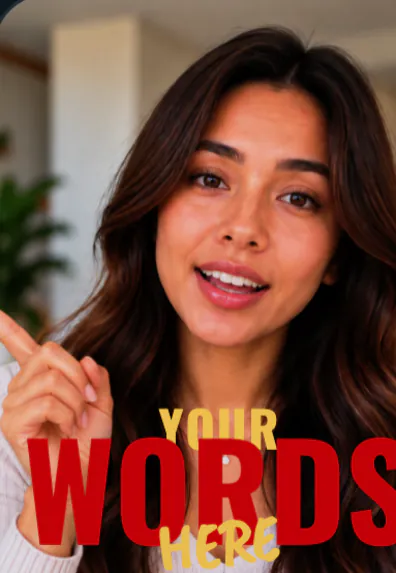 Captions on Instagram ReelsThe Captions sticker, auto-generated captions, and burned-in styles.
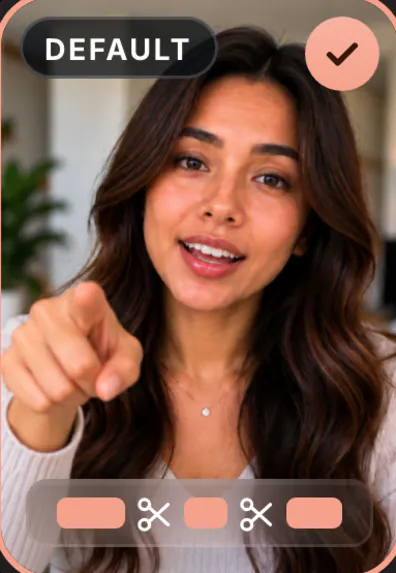 Remove “um” from videoCut filler words by hand, by transcript, or automatically, and say fewer of them.
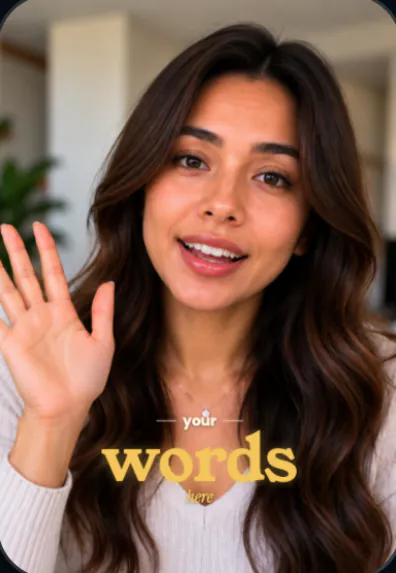 Edit talking head videosA seven-step workflow from raw take to a finished vertical video.
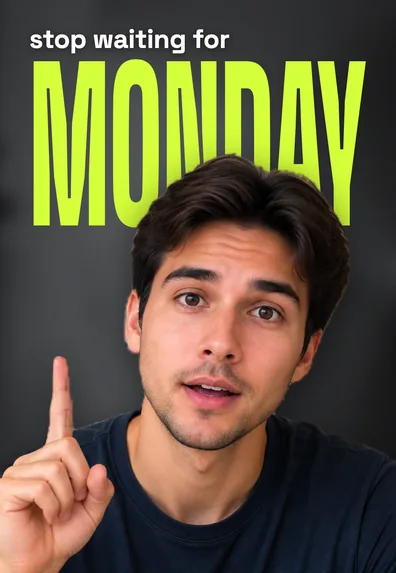 Hooks for TikTok48 example hook lines for TikTok and TikTok Shop, and how to write your own.
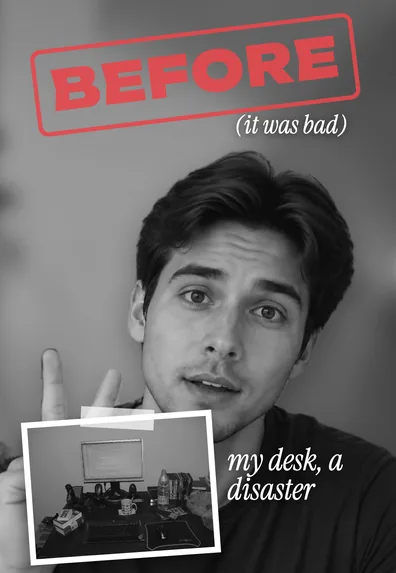 UGC video examples16 UGC video formats with a sample opening and structure for each.
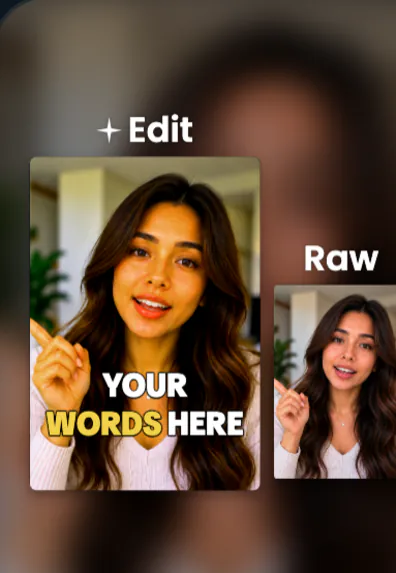 What is a jump cut?The definition, where it came from, how it compares to other cuts, and how to use it.
 What is B-roll?What B-roll means, A-roll vs B-roll, shot ideas and how to cut it in.
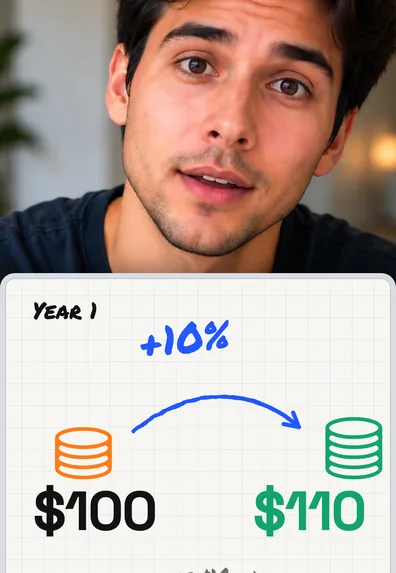 Talking head video ideas40 topics to film to camera, plus a simple script shape for each.
 Make TikTok Shop videosPlan, film, edit and post product videos that follow the rules.
Find the right guide by job
Captions
- How to add captions to TikTok videos: TikTok’s built-in captions tool, typed text, and burned-in styles, with the safe zones to keep words readable.
- How to add captions to Instagram Reels: the Captions sticker, auto-generated captions for viewers, and when to burn captions in instead.
Cutting and editing
- How to remove “um” from a video: three ways to cut filler words, and habits that help you say fewer of them.
- How to edit talking head videos: a seven-step workflow from raw take to finished vertical video.
- What is a jump cut? The definition, film history, how it compares with other cuts, and how to make jump cuts look smooth.
- What is B-roll? A-roll vs B-roll, 20 shot ideas, and how to film and cut it in.
Planning what to say
- Talking head video ideas: 40 topics in eight groups, and a four-beat shape for a 30-second video.
- Hooks for TikTok: 48 example opening lines, including 12 for TikTok Shop, and a formula for writing your own.
Selling with video
- UGC video examples: 16 formats brands ask creators for, each with a sample opening line.
- How to make TikTok Shop videos: planning, filming, linking the product, the rules to follow, and why views stall.
Words these guides use
- HookThe opening line, text and image that stop a scroll in the first moments.
- Burned-in captionsWords made part of the picture in an editor, so they look the same on every app.
- Safe zoneThe middle of a vertical frame that no app button, username or description covers.
- Jump cutA cut that skips time inside one fixed shot; the standard way to tighten speech.
- Filler words“Um”, “uh”, “like” and similar sounds that carry no meaning.
- A-roll and B-rollYour main talking footage, and the cutaways laid over it.
- Punch-inA quick zoom on part of a shot to add emphasis or hide a cut.
- UGCUser-generated content: phone-style videos of a real person with a product.
- 9:16The tall shape of TikTok, Reels and Shorts, usually 1080 × 1920 pixels.
The short version: what every talking video needs
If you only have a minute, these five habits cover most of what the guides teach. They apply to TikTok, Instagram Reels and YouTube Shorts alike.
- Open with the point. Your first sentence is the hook. Skip the greeting and name the viewer’s situation or the result.
- Cut the dead air. Remove pauses, filler words and repeated lines. Short-form viewers leave during silence.
- Change the picture. A zoom, a cutaway or a graphic every few seconds keeps a single shot from feeling static.
- Caption everything. Many people watch muted. Keep captions short, bold and off your face.
- Export vertical. 9:16 at 1080 × 1920, checked on a real phone before you post.
Want those steps done for you? SparkRoll is an AI video editor for talking videos: it removes pauses, “um”s and retakes, adds captions, a hook and effects, and lets you change anything by saying it. It runs in your browser and on iPhone and Android, and you can try it on 2 videos free with AI. Browse the 160 templates or read how to edit video by talking.
Questions, answered
Are these guides only for SparkRoll users?
No. Every guide explains the method in general first, including the tools built into TikTok and Instagram, and shows the SparkRoll way at the end.
Which guide should I start with?
If you are new to short videos, start with how to edit talking head videos. It links to the more detailed guides on captions, filler words, B-roll and hooks.
Do these tips work for YouTube Shorts too?
Yes. Shorts, Reels and TikTok share the same vertical format and the same viewer habits, so captions, hooks and tight cuts help on all three.
Will you add more guides?
Yes. New guides on talking videos and short-form editing are added over time, all listed on this page.
Keep reading
- AI video editorChat-based editing for talking videos
- Auto captionsStyled captions timed to your voice
- Remove pauses & jump cutsAuto-cut pauses, ums and retakes
- Talking head video editorFor face-to-camera videos
- TikTok Shop & UGC editorProduct videos, price stickers, demos
- Free AI video editor2 videos free to try with AI
Ready to edit by talking?
Upload a clip, say what you want, and get a finished edit. 2 videos free to try.
Get the app: App Store · Google Play