
55 templates. The whole look in one tap.
Every SparkRoll template sets the captions, hook, music and effects together for a talking video. Pick one, then tell SparkRoll what to change. Here is every template in the app today.
2 videos free to try with AI · Works in your browser · Also on Android
Templates with previews
A template is the whole look in one tap: it sets the captions, the hook, the music and the effects together. Pick one, then ask SparkRoll to change anything. Previews show each template on a sample video; on yours, it plays on you.
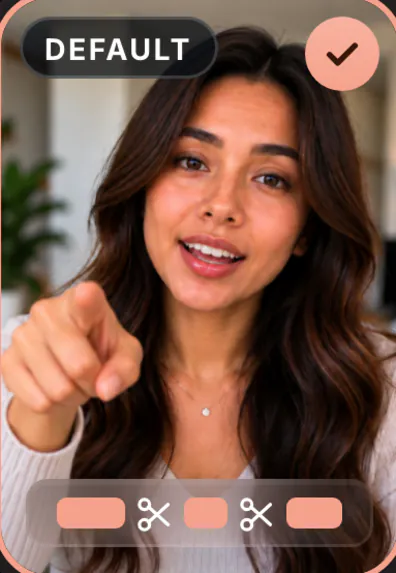 Clean upJust the cuts: pauses and mistakes cut, nothing added
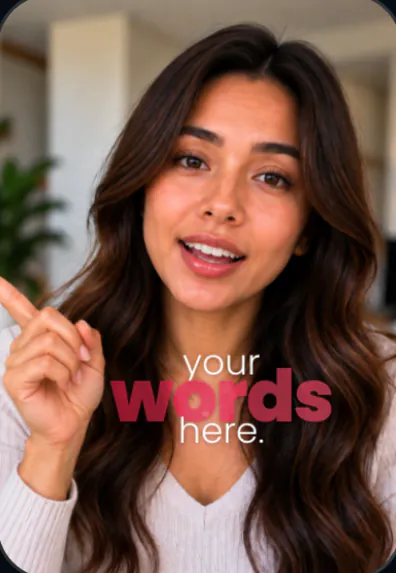 Fly-InBig stacked words around you
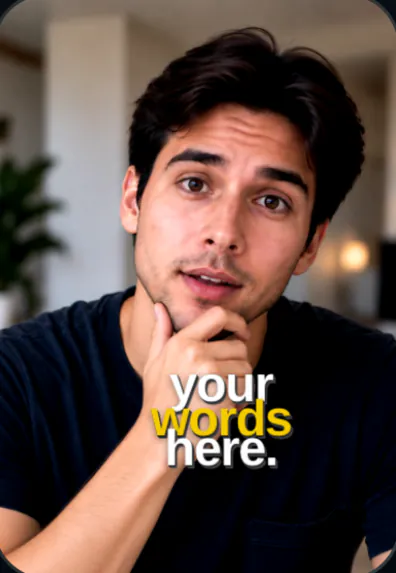 JourneyGold headlines, words as you say them
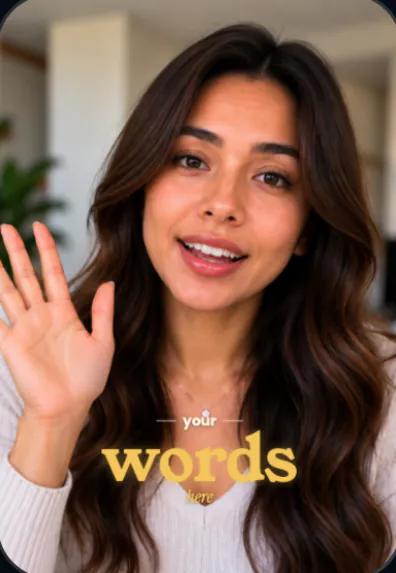 MentorGold serif hook, numbered points, the picture pulls back to make room
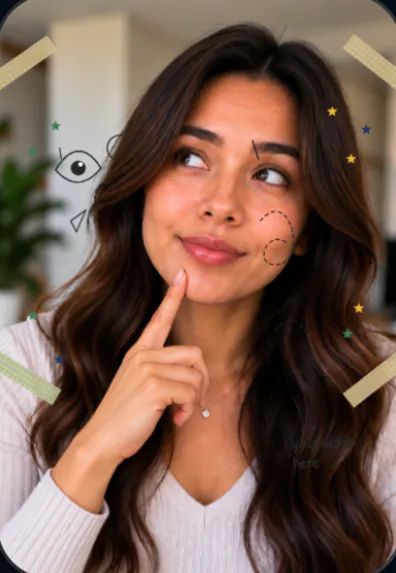 ScrapbookYou cut out on paper, a cut-out letter title, notes and chapter cards
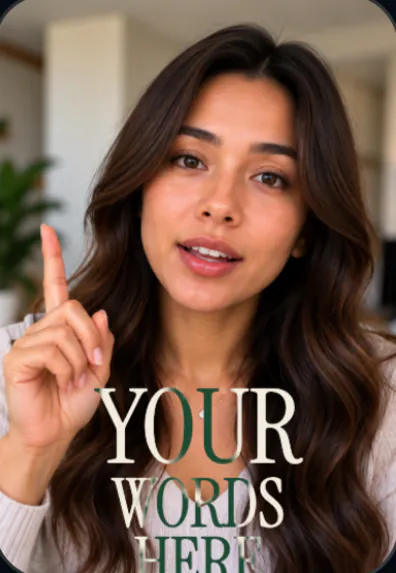 ShowcaseSerif headline behind you, a graphic for each line
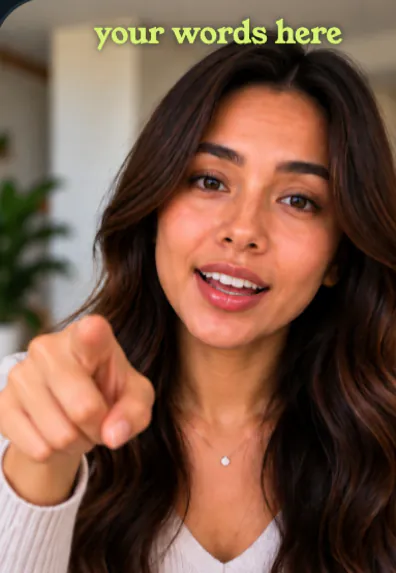 SpotlightA brand pill, features in lime serif, your screenshots on a card
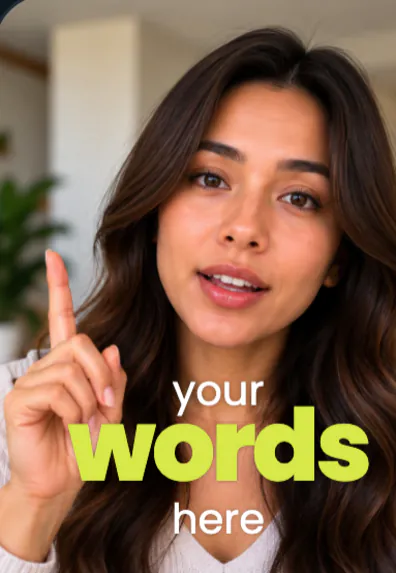 Word Stack WalkEvery phrase as a word stack round your head, one huge coloured word
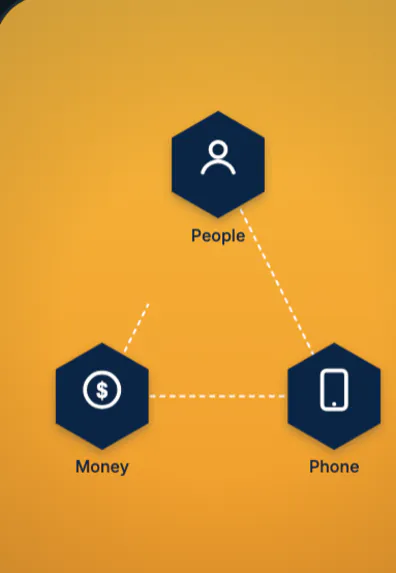 Masterclass CutawaysA graphic cut-away every few seconds: diagrams, steps, calendar, spotlight
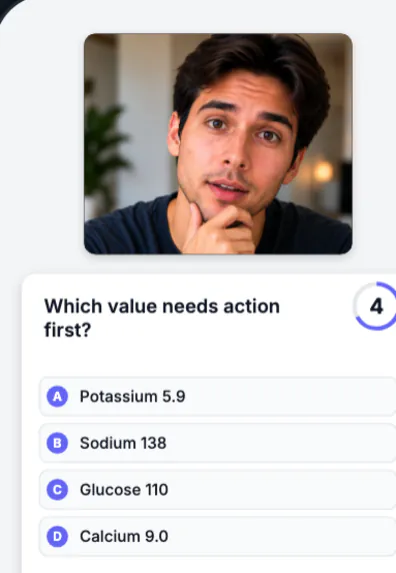
- Quiz RevealAn exam question card, a 5 s countdown, the answer turns green
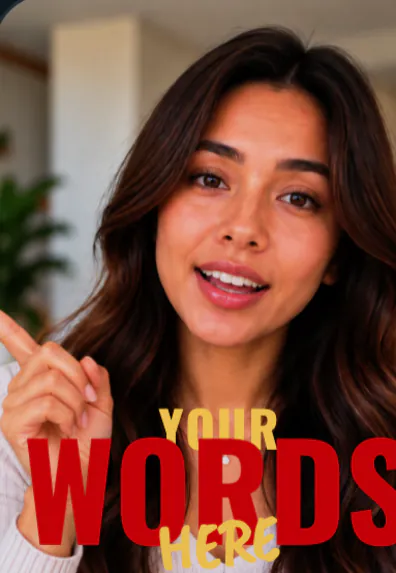
- Cinematic TitleHuge red and gold words behind you, serif captions that slam in
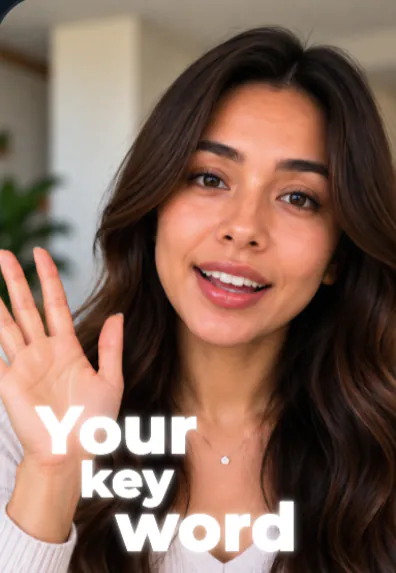 Glow WalkGlowing words behind you as you walk, a small word on your chest
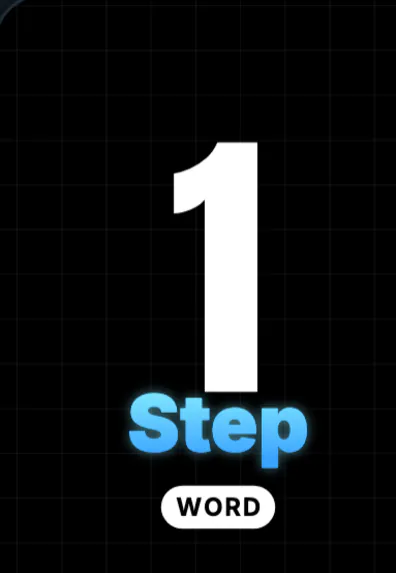 Step SlamEach step slams in full screen on a black grid, a glass "Step"
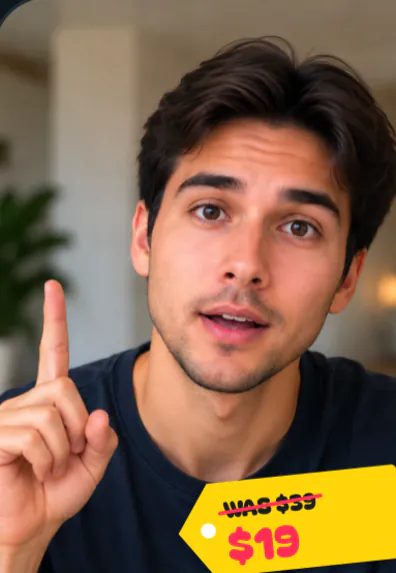
- Price Drop StickerA price tag slaps on, the old price struck through, the deal bounces in
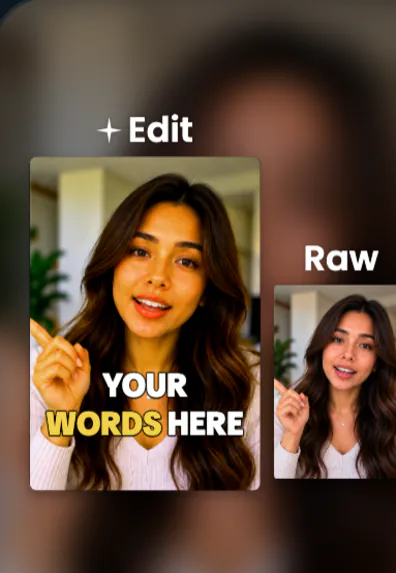 Raw vs Edit BlurYour edit beside the raw take as cards over a blurred copy
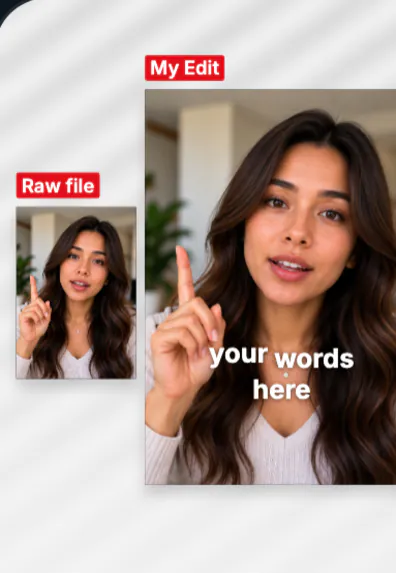 Raw vs Edit GalleryThe raw take and your edit as cards on a paper canvas
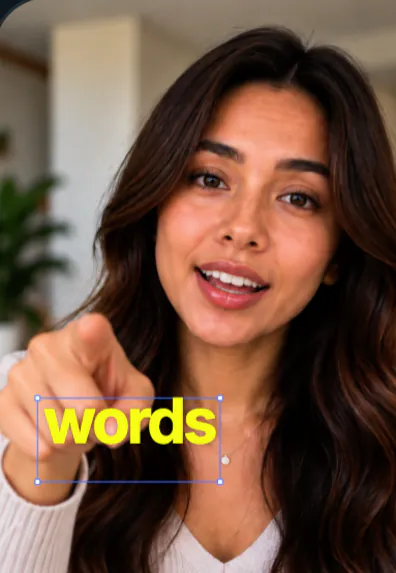 Dark Studio WordOne huge white word at a time above your head, a dark warm studio
Every other template
Grouped in the app by the video you are making: Talking head, Walk & talk, How-to, Proof, Shop, Story and Podcast. Ask for any of them by name (“use Notebook”).
- AdviceSpeech bubbles, a timeline of your years, a quote card
- Soft GlowA big soft title behind you, glowing key words
- Red LabelKey words in red labels, captions around you
- This or ThatTwo names side by side: a cross on the one not to use, a tick on the other
- StudioHuge capitals with an italic word, one word in orange
- ImpactHeavy caps, yellow key words, each word slams in
- Tool ListOne tool at a time: an icon, its name in tall capitals, what it's for
- RecommendA paper strip with your line, your picture of it, who made it
- Behind YouA huge title behind you, cut out on the phone
- Soft Serif KeysSmall one-word captions, key words in a big cream italic serif
- Editorial WalkLavender serif titles behind you, italic captions, glass pills
- Mnemonic StackLetters stack down the screen, each unfolding into its word as you say it
- Before/After WipeA glowing line sweeps across you: before on one side, after on the other
- Clip CardYour clip in a rounded card, a bold title above, a progress bar under
- StorytellerYour line in a soft haze, your photos as prints, key words in pink
- B-roll StoryBold italic title, your pictures cut in where you mention them
- Product DemoYour product's name and a checklist of what it does
- Before & AfterBefore on your first clip, after on your last, a flash between
- Day in My LifeA script title, warm colour, soft captions
- Step by StepThe title on top, each step in a chip as you do it
- ChecklistHow-to title in yellow, ticks on each thing to get right
- PlacesNumbered pins for the places you name
- ReactionYou in a corner window over the picture you react to
- Screen + FaceYour face in a round window over your screen recording
- MemeMe: / Also me: on each clip, big white captions
- TestimonialThe line that matters on a white card with your handle
- App WalkthroughStep callouts over your screen recording
- Key FactsA big number and the facts, one by one
- Highlight ReelBEST MOMENTS up top, flashes between quick cuts
- MagazineA masthead behind you, a gold line under the big words
- Effects CountdownA numbered list: title shrinks to a header, a chip per item
- Label ListicleA three-font title, numbered labels, words lit as you say them
- Swipe SlidesYour video as a carousel: slides swipe sideways, page dots, a swipe nudge
- Listing WalkA clean stat strip (beds · baths · sqft · price) opens your home tour
- UI Card ExplainerBlack-box title, a chat card with your request, a header per step
- Silent Screen DemoNo talking: one native text line per step over your screen, on a song
- NotebookHandwritten notes on paper, a lavender highlighter
- ExplainerPaper labels, a highlighter on key words
Signature effects
Optional, on top of any template. Ask for one by name, or tap it.
 Word behind you
 Orbit
Orbit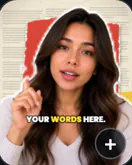 Paper cut-out
 Cover story
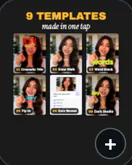 9-grid of templates
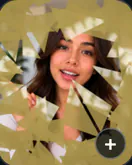 Shatter
 Doodle boil
Also: Zoom-through, Glass word, Floating cards, Frame break, 3D cards, Video in a word, Couch wall, Kaleidoscope, Map route.
New to SparkRoll? Start with the AI video editor overview, or see how auto captions and automatic jump cuts work.
Pricing
Try it before you pay: you get 2 videos free to try with AI, with 30 AI messages each. Exporting a finished video needs a plan. Coins pay for AI messages; editing by hand is free.
2 videos to try with AI, 30 AI messages each.
200 coins a week. Export your videos. Cancel any week.
1,000 coins a month. Export. Top up with coin packs.
4,000 coins a month, the stronger AI, +20% on coin packs.
Prices in US dollars, + tax where applicable. Coin packs for plan holders: 300 coins $3.99 · 1,000 coins $9.99.
Questions, answered
How many templates does SparkRoll have?
55 templates today, including Clean up, plus signature effects you can add on top of any template.
Can I change a template after I pick it?
Yes. Ask SparkRoll to change the captions, hook, music or effects, or switch to another template at any time.
Are the templates free?
You can try every template on your 2 free videos. Exporting needs a plan, from $6.99 a week.
Do templates put text over my face?
No. Text is placed around you, never over your face.
More ways to use SparkRoll
- AI video editorChat-based editing for talking videos
- Free AI video editor2 videos free to try with AI
- Edit video by talkingA chat video editor: say the edit
- Auto captionsCaptions on every word, automatically
- Remove pauses & jump cutsAuto-cut pauses, ums and retakes
- TikTok video editorVertical edits with a hook up front
- Instagram Reels editorTrending looks for Reels
- YouTube Shorts editorCaptions and cuts for Shorts
- Talking head video editorFor face-to-camera videos
- TikTok Shop & UGC editorProduct videos, price stickers, demos
- CapCut alternativeChat editing vs a timeline
Ready to edit by talking?
Upload a clip, say what you want, and get a finished edit. 2 videos free to try.