
Edit your video by talking to it
Your voice is the only editing tool you need. Hold to talk or type, the way you would brief a human editor, and SparkRoll changes the video. Every message is an edit.
2 videos free to try with AI · Works in your browser · Also on Android
A video editor that works like a chat
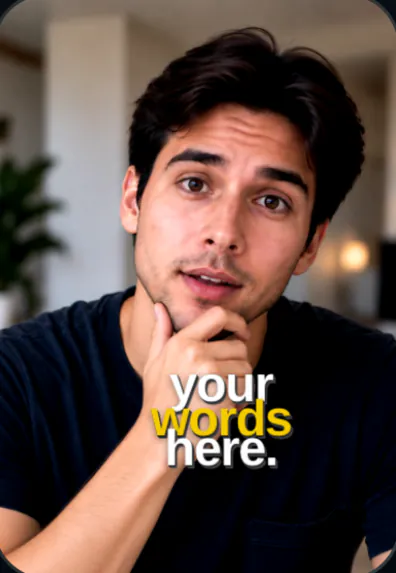
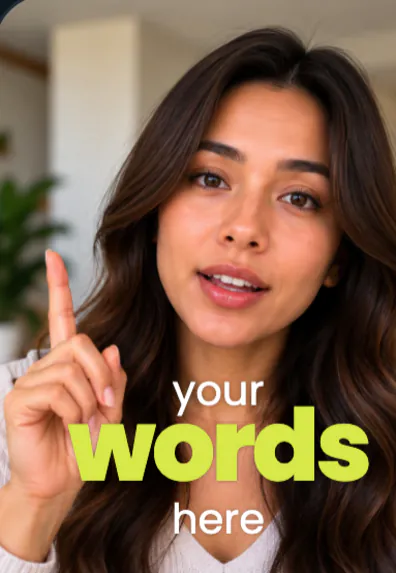
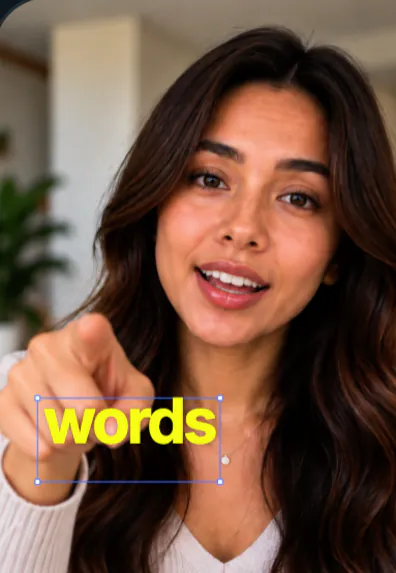
SparkRoll is chat-based from the first step. Instead of dragging clips on a timeline, you send a message: spoken or typed, in any language. It reads your video as text (every word you say, with its timing), so it can act on requests like “cut the first sentence” or “show the title when I say the price”.
- Cut where I say wait
- Make the captions smaller and yellow
- Use the Journey template
- Add Orbit around me
- Make a hook from my first sentence
- Take the music down a bit
From raw clip to finished edit
- Add your clip. MP4 or MOV, up to 10 minutes. Drop in several clips and they become one video.
- Pick a template (or keep Clean up), and add a signature effect if you want one.
- Say or type the edit. Hold to talk, or type it, in any language: “cut the pauses, add captions, make the hook bigger”.
- Fine-tune by hand if you like: tap any caption or sticker to move, resize, rotate, edit or remove it.
- Export a vertical 9:16 video for TikTok, Instagram Reels or YouTube Shorts.
Talking beats a timeline
No skills needed. You do not need to learn shortcuts or watch a course. Describe the result.
One place. Clean-up, captions, hooks, music, templates and effects all live in the same chat.
Still in control. Each change is yours to keep or undo, and you can always tap a caption or sticker to fix it by hand.
Any language. Ask in the language you think in: English, Español, Tagalog or any other.
Pricing
Try it before you pay: you get 2 videos free to try with AI, with 30 AI messages each. Exporting a finished video needs a plan. Coins pay for AI messages; editing by hand is free.
2 videos to try with AI, 30 AI messages each.
200 coins a week. Export your videos. Cancel any week.
1,000 coins a month. Export. Top up with coin packs.
4,000 coins a month, the stronger AI, +20% on coin packs.
Prices in US dollars, + tax where applicable. Coin packs for plan holders: 300 coins $3.99 · 1,000 coins $9.99.
Questions, answered
Can I really edit a video just by talking?
Yes. Hold to talk or type what you want, the way you would tell a person, and SparkRoll makes the edit.
Does every message cost something?
Every message to SparkRoll costs at least 1 coin, whether it is an edit or a question. Editing by hand is free, and the 2 free videos include 30 AI messages each.
Which languages work for voice commands?
Any language. Talk or type the way you normally speak.
Does it change what I said?
No. It cuts pauses, filler words and retakes; the words you keep and your voice are untouched.
More ways to use SparkRoll
- AI video editorChat-based editing for talking videos
- Free AI video editor2 videos free to try with AI
- Auto captionsCaptions on every word, automatically
- Remove pauses & jump cutsAuto-cut pauses, ums and retakes
- Video templatesAll 55 templates and the effects
- TikTok video editorVertical edits with a hook up front
- Instagram Reels editorTrending looks for Reels
- YouTube Shorts editorCaptions and cuts for Shorts
- Talking head video editorFor face-to-camera videos
- TikTok Shop & UGC editorProduct videos, price stickers, demos
- CapCut alternativeChat editing vs a timeline
Ready to edit by talking?
Upload a clip, say what you want, and get a finished edit. 2 videos free to try.