
The AI video editor you just talk to
SparkRoll is a fully chat-based, automated AI video editor. Add a clip, say what you want in your own words, and it edits your video for you: pauses cut, captions on, a hook up front and a look that feels current.
2 videos free to try with AI · Works in your browser · Also on Android

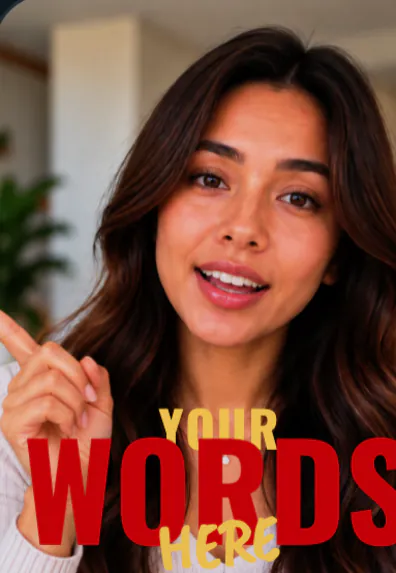
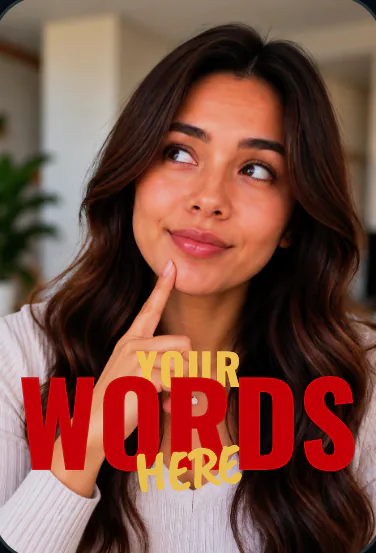
What an AI video editor should do for you
Most editors hand you a timeline and a hundred buttons. SparkRoll starts from the other end: you tell it the result you want and it does the work. Under the hood it hears every word you say, finds the pauses, filler words and retakes, and builds a clean edit. Then your requests change it, one message at a time.
It is made for talking videos: talking-head clips, walk-and-talks, how-tos, product videos and stories for TikTok, Instagram Reels and YouTube Shorts.
What it handles
- Clean edit: long pauses, “um”s and retakes come out. See removing pauses and jump cuts.
- Captions on every word, with key words that glow, stack and land on the beat of your voice. See auto captions.
- Hooks for the first seconds, so viewers stay.
- Music under your voice.
- 55 templates that set the captions, hook, music and effects together. Browse all templates.
- Signature effects on top: Word behind you, Orbit, Paper cut-out, Cover story, the 9-grid of templates and more.
How it works
- Add your clip. MP4 or MOV, up to 10 minutes. Drop in several clips and they become one video.
- Pick a template (or keep Clean up), and add a signature effect if you want one.
- Say or type the edit. Hold to talk, or type it, in any language: “cut the pauses, add captions, make the hook bigger”.
- Fine-tune by hand if you like: tap any caption or sticker to move, resize, rotate, edit or remove it.
- Export a vertical 9:16 video for TikTok, Instagram Reels or YouTube Shorts.
Want something different? Just ask again: “make the captions yellow”, “use Fly-In”, “add the Orbit effect”. Every change stays editable by hand.
An editor, not a video generator
SparkRoll edits your footage. It does not generate fake faces, replace your voice or invent clips. Your words and your voice stay as you said them, minus the parts you would have cut anyway.
It also respects your footage: your video is cut in your browser, and only the sound goes to SparkRoll so it can hear the words.
- Cut the pauses and add captions
- Make the hook bigger
- Use Cinematic Title
- Add music under my voice
- Put the Word behind you effect on the first line
Pricing
Try it before you pay: you get 2 videos free to try with AI, with 30 AI messages each. Exporting a finished video needs a plan. Coins pay for AI messages; editing by hand is free.
2 videos to try with AI, 30 AI messages each.
200 coins a week. Export your videos. Cancel any week.
1,000 coins a month. Export. Top up with coin packs.
4,000 coins a month, the stronger AI, +20% on coin packs.
Prices in US dollars, + tax where applicable. Coin packs for plan holders: 300 coins $3.99 · 1,000 coins $9.99.
Questions, answered
Is SparkRoll an AI video editor?
Yes. SparkRoll is a chat-based, automated AI video editor. You talk or type what you want, and it cuts pauses, adds captions, hooks, music, templates and effects for you.
Is there a free version?
You get 2 videos free to try with AI, with 30 AI messages each. Exporting a video needs a plan, from $6.99 a week.
Do I need to install anything?
No. SparkRoll works in your browser at sparkroll.app. There is also an Android app on Google Play.
Does it make AI faces or voices?
No. SparkRoll only edits the footage you add. It does not generate people, voices or fake clips.
Which languages can I use?
Any language. Talk or type to SparkRoll the way you normally speak.
More ways to use SparkRoll
- Free AI video editor2 videos free to try with AI
- Edit video by talkingA chat video editor: say the edit
- Auto captionsCaptions on every word, automatically
- Remove pauses & jump cutsAuto-cut pauses, ums and retakes
- Video templatesAll 55 templates and the effects
- TikTok video editorVertical edits with a hook up front
- Instagram Reels editorTrending looks for Reels
- YouTube Shorts editorCaptions and cuts for Shorts
- Talking head video editorFor face-to-camera videos
- TikTok Shop & UGC editorProduct videos, price stickers, demos
- CapCut alternativeChat editing vs a timeline
Ready to edit by talking?
Upload a clip, say what you want, and get a finished edit. 2 videos free to try.