
Auto captions that hit on every word
SparkRoll hears every word you say and puts captions on your video automatically: timed to your voice, styled by the template you pick, and kept clear of your face.
2 videos free to try with AI · Works in your browser · Also on Android
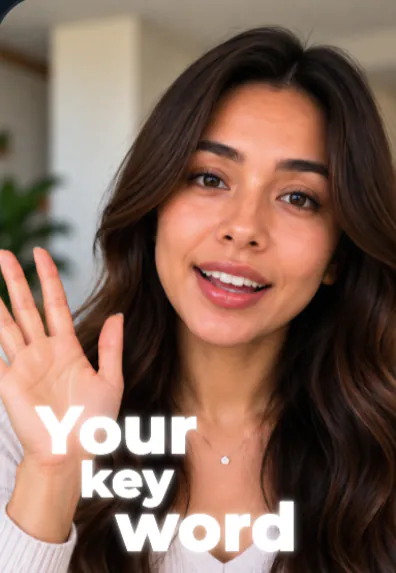
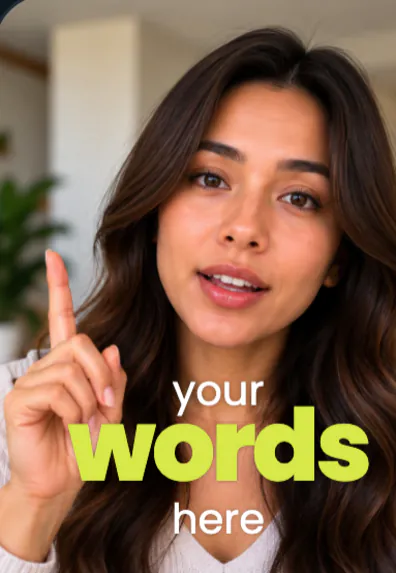
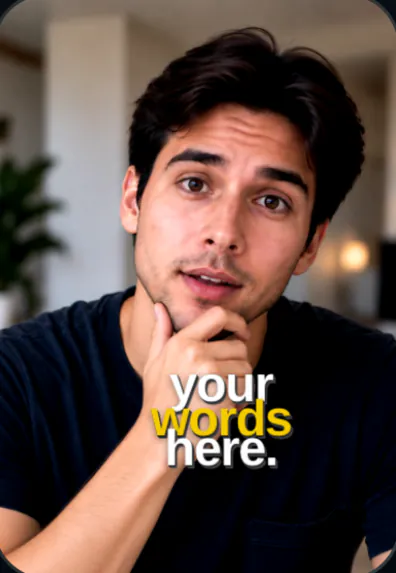
Captions, done for you
Most people watch short videos with the sound off, so captions are not optional. SparkRoll writes them from your own words and times each one to your voice. Ask for captions in a message (“add captions”) or pick a template and they come with it.
Caption looks you can pick
- Glow Walk: glowing words behind you as you walk.
- Word Stack Walk: every phrase as a word stack around your head, with one huge coloured word.
- Journey: gold headlines, words as you say them.
- Impact: heavy caps, yellow key words, each word slams in.
- Soft Serif Keys, Red Label, Notebook and more in the template gallery.
Change them by asking
Captions are part of the chat like everything else. Say what to change and it changes:
- Make the captions bigger
- Yellow key words
- Three words at a time
- Move the captions up
- Use Word Stack Walk captions
Or tap any caption to move, resize, rotate, edit or remove it by hand. Fixing a word by hand is free.
Captions plus the rest of the edit
Captions are only one part of a video that holds attention. In the same place SparkRoll also cuts the pauses and retakes, adds a hook, puts music under your voice and exports a vertical 9:16 file for TikTok, Reels and Shorts.
- Add your clip. MP4 or MOV, up to 10 minutes. Drop in several clips and they become one video.
- Pick a template (or keep Clean up), and add a signature effect if you want one.
- Say or type the edit. Hold to talk, or type it, in any language: “cut the pauses, add captions, make the hook bigger”.
- Fine-tune by hand if you like: tap any caption or sticker to move, resize, rotate, edit or remove it.
- Export a vertical 9:16 video for TikTok, Instagram Reels or YouTube Shorts.
Pricing
Try it before you pay: you get 2 videos free to try with AI, with 30 AI messages each. Exporting a finished video needs a plan. Coins pay for AI messages; editing by hand is free.
2 videos to try with AI, 30 AI messages each.
200 coins a week. Export your videos. Cancel any week.
1,000 coins a month. Export. Top up with coin packs.
4,000 coins a month, the stronger AI, +20% on coin packs.
Prices in US dollars, + tax where applicable. Coin packs for plan holders: 300 coins $3.99 · 1,000 coins $9.99.
Questions, answered
How do I add captions to a video automatically?
Add your clip to SparkRoll and ask for captions, or pick a template. It hears every word and times the captions to your voice.
Can I edit a caption word?
Yes. Tap any caption to edit, move, resize, rotate or remove it. Editing by hand is free.
Do captions work in other languages?
You can talk or type to SparkRoll in any language.
Are auto captions free?
You can try them on 2 free videos. Exporting a video needs a plan, from $6.99 a week.
More ways to use SparkRoll
- AI video editorChat-based editing for talking videos
- Free AI video editor2 videos free to try with AI
- Edit video by talkingA chat video editor: say the edit
- Remove pauses & jump cutsAuto-cut pauses, ums and retakes
- Video templatesAll 55 templates and the effects
- TikTok video editorVertical edits with a hook up front
- Instagram Reels editorTrending looks for Reels
- YouTube Shorts editorCaptions and cuts for Shorts
- Talking head video editorFor face-to-camera videos
- TikTok Shop & UGC editorProduct videos, price stickers, demos
- CapCut alternativeChat editing vs a timeline
Ready to edit by talking?
Upload a clip, say what you want, and get a finished edit. 2 videos free to try.