
How to make TikTok Shop videos that sell
A TikTok Shop video is a short video with a product linked to it, so viewers can buy without leaving the app. The ones that sell look like a friend showing you something they use, not an ad. Here is how to plan, film, edit and post one, step by step.
2 videos free to try with AI · Works in your browser · Also on iPhone and Android
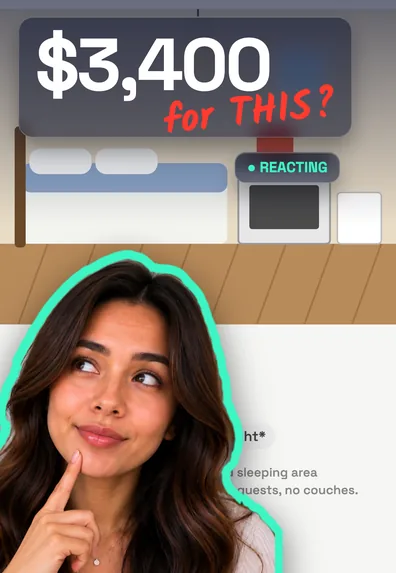

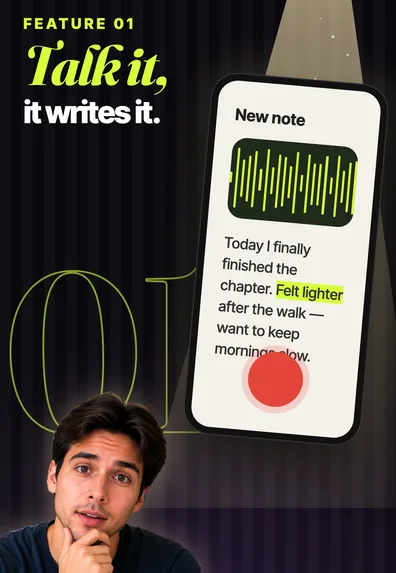
Who can make TikTok Shop videos
There are two ways in. Sellers who run a TikTok Shop can link their own products in videos posted from their account. Affiliate creators promote other sellers’ products and earn a commission on sales from their videos. Affiliate access has eligibility requirements set by TikTok, such as age and follower thresholds, and these change from time to time and by country, so check the current requirements in the TikTok app before you plan around them.
Either way, the video itself follows the same principles. Viewers are not in shopping mode when they scroll; they are being entertained. Your job is to make a video worth watching that happens to have a product in it.
Step by step
- Choose a product you have actually used. Sellers post their own products; affiliate creators add products to their showcase and request samples. Use the product for a few days before you film, so you have something real to say.
- Pick one angle and write the hook. Choose a single angle (a problem it solves, a demo, a comparison, an honest review) and write a first line that names the viewer’s situation.
- Film the product in use. Film vertical, in good light, with the product in your hand within the first few seconds. Get close-ups of the details and at least one shot of it working.
- Edit it tight. Cut pauses and retakes, add captions, put the key benefit or price on screen, and keep it as short as the story allows.
- Link the product when you post. On the post screen, use the option to add a link and choose the product from your shop or showcase. Make sure it is the exact item shown in the video.
- Post, reply and learn. Answer questions in the comments, pin a helpful reply, and compare which hooks and angles get watched to the end.
What to film: shots that sell
- The product in your hand, close to the lens, early in the video.
- It working: the stain lifting, the cable winding, the fabric stretching. One clear result shot beats a list of features.
- Scale: next to your hand, a phone or a coffee cup, so viewers know the real size.
- Details: texture, buttons, the inside of the bag, the label.
- You reacting honestly, including what you’d improve.
For format ideas (testimonials, before-and-afters, comparisons, get ready with me), see our UGC video examples. For first lines, the TikTok hooks guide has 12 written for Shop videos.
A simple 30-second structure
- 0–3 s: hook plus the product on screen.
- 3–15 s: show it working on the problem.
- 15–25 s: one or two details that matter, and an honest downside if there is one.
- 25–30 s: a soft close: “it’s linked if you want to look”.
TikTok Shop video rules and requirements
TikTok Shop has its own content policies on top of TikTok’s Community Guidelines, and they are updated often. Read the current version in TikTok Shop’s seller or creator resources before you post. The principles behind them are consistent:
- Show the product you link. The item in the video should match the listing: same product, same version.
- Only make claims you can back up. Be especially careful with health, beauty and money claims, and don’t present edited before-and-afters as real results.
- Keep prices and deals accurate. Don’t say “on sale” or quote a price unless it is true when you post.
- Keep the sale on TikTok. Don’t send viewers to other sites or ask them to contact you elsewhere to buy.
- Use your own content. Film your own footage rather than reposting someone else’s video.
- Check restricted categories. Some products can’t be sold or promoted, or have extra rules.
Why TikTok Shop videos don’t get views
When a Shop video stalls, the cause is usually one of these:
- It looks like an ad. A polished product shot with a voiceover reads as advertising, and people scroll past. Talk to the camera instead.
- The hook is about the product, not the viewer. “This is the XYZ bottle” gives no reason to stay; “my water always tasted like plastic” does.
- The product appears too late. If the viewer can’t see what the video is about, they leave.
- Dead air. Pauses and retakes in the first seconds cost most of the audience.
- A rule issue. Videos that break a content policy can be limited. Check your notifications for any violation notices.
- One video, then give up. Most creators test several hooks and angles for the same product before one takes off.
Edit TikTok Shop videos with SparkRoll
Shop videos are talking videos, which is what SparkRoll edits. Its templates include looks built for TikTok Shop. Add your clip and it removes the pauses, “um”s and retakes; drop in several takes and it keeps the best take of each line. Then Auto edit gives you three complete edits to pick from.
- Price Drop Sticker and other shop templates put a price tag on screen, with the old price struck through.
- Say a price and it counts up on screen; say a percentage and a ring chart draws it.
- Captions in 90 styles, kept off your face, and a bold hook as the first line.
- Ask for changes: “zoom in when I say the price”, “bigger captions”.
- Export vertical 9:16, plus a ready-to-post caption with hashtags.
You get 2 videos to try with AI at no cost, and the first export in the iPhone or Android app is free with only a small SparkRoll mark. More on the TikTok Shop video editor and product video editor pages.
Questions, answered
How do I make a TikTok Shop video?
Use the product first, pick one angle and a hook, film it in use with the product on screen early, edit out the pauses, add captions, then link the exact product when you post.
What are the TikTok Shop video requirements?
The linked product must match what you show, claims and prices must be accurate, and the video must follow TikTok’s Community Guidelines and TikTok Shop’s content policies, which are updated often. Check the current versions in the app.
Why are my TikTok Shop videos not getting views?
Common reasons are a hook about the product instead of the viewer, the product appearing too late, an ad-like style, slow openings, or a content policy issue.
How long should a TikTok Shop video be?
Most work at 15 to 45 seconds. Long enough to show the product working, short enough that viewers reach the end.
Do I need to show my face in TikTok Shop videos?
No, hands-only demos can work. But talking to camera usually builds more trust, because it feels like a recommendation from a person.
Ready to edit by talking?
Upload a clip, say what you want, and get a finished edit. 2 videos free to try.
Get the app: App Store · Google Play