
UGC video examples: 16 formats brands and creators use
UGC (user-generated content) videos are short, real-looking videos of a person using a product and talking about it. Here are 16 UGC video examples, the formats brands ask for most, with a sample opening line and a simple structure for each.
2 videos free to try with AI · Works in your browser · Also on iPhone and Android
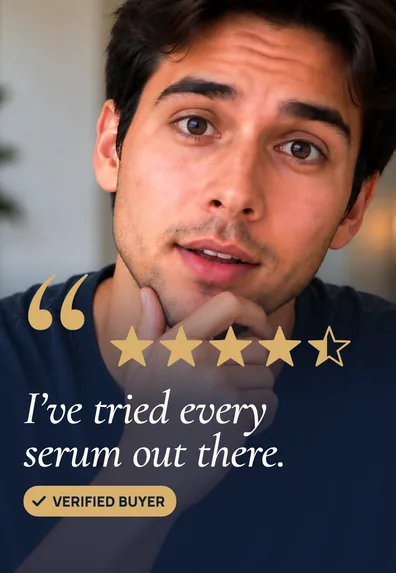
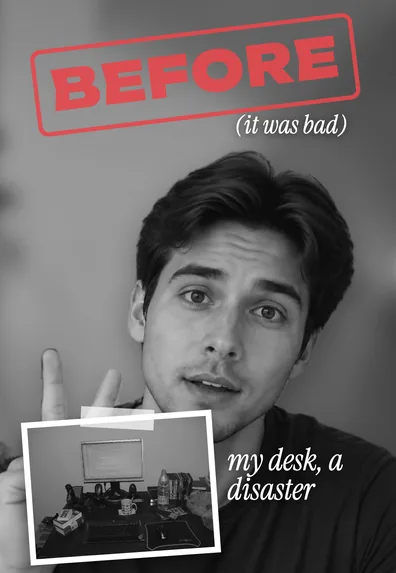
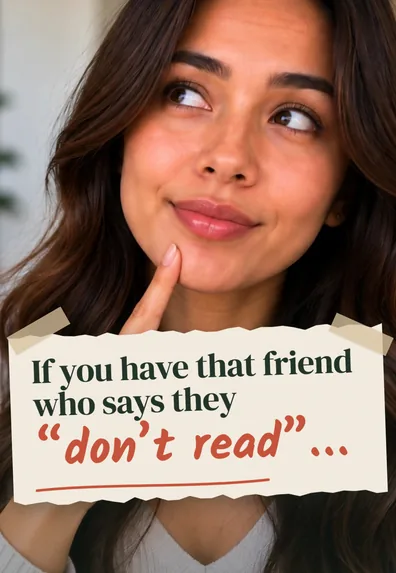
What a UGC video is
A UGC video looks like something a customer would post: filmed on a phone, in a real home, talking straight to the camera. Brands use them as organic posts and as ads on TikTok, Instagram and YouTube Shorts because they feel like a recommendation from a person, not a commercial. Today many UGC videos are made by paid creators, but the style is the same: one person, one product, an honest tone.
Most UGC videos run 15 to 60 seconds and follow the same skeleton: a hook in the first seconds, the product on screen early, a reason to believe (a demo, a result, a story), and a soft call to action.
16 UGC video examples
1. The honest testimonial
You tell your experience after using the product for a while. Opening: “I’ve used this every day for six weeks, and here’s my honest take.” Structure: what you used before, what changed, one thing you’d improve. The small criticism makes the praise believable.
2. Unboxing and first impressions
Open the package on camera and react as you go. Opening: “It finally came, let’s see if it’s as good as everyone says.” Show packaging, size in your hand, and the first use.
3. Product demo
Show the product doing its job, close up. Opening: “Watch how fast this gets the stain out.” Keep talking short and let the result carry the video.
4. Problem, then solution
Start with a frustration your viewer knows, then bring in the fix. Opening: “My cables were always tangled behind the desk, until this.” Spend no more than a third of the video on the problem.
5. Before and after
Two states, side by side or one after the other: a messy room and a tidy one, dull skin and glowing skin, a full inbox and an empty one. The comparison is the proof. Use the same angle and light for both shots so the difference is fair.
6. Comparison or “this or that”
Put the product next to an alternative and compare on two or three points. Opening: “The cheap one or the expensive one? I tested both for a week.” Be fair to the other option; viewers notice a rigged test.
7. Get ready with me
A routine (morning, gym, night out) with the product as one natural step. Talk while you do it. The product gets screen time without the video feeling like an ad.
8. Day in my life
Short clips across a day, with the product appearing where it really fits: your coffee, your commute, your workspace. Good for products people use daily.
9. My top three
A list of favorites where the product is one of them, often the last. Opening: “Three things that made working from home easier this year.” Lists are easy to follow and easy to save.
10. Reaction
React to a claim, a price or a comment, then test it. Opening: “Someone said this fixes frizz in one wash, so I tried it.”
11. Tutorial: how I use it
Step-by-step instructions, numbered on screen. Useful for anything with a learning curve: skincare layering, a kitchen gadget, an app.
12. Answering a comment or FAQ
Reply to a real question: “Does it work on curly hair?” “Is it worth the price?” Answer directly in the first line, then show.
13. What I wish I knew before buying
Practical tips for new owners. It reads as helpful rather than salesy, and it answers the doubts that stop people from buying.
14. Behind the scenes
For small brands and makers: how the product is made, packed or designed. Real hands and real workspaces build trust.
15. Gift idea
“The gift for the friend who has everything.” Works best around holidays and birthdays, with the product shown being wrapped or opened.
16. App or screen walkthrough
For apps and software: your face in a corner, the screen recording large. Show one task from start to finish, not every feature.
Examples, edited
These previews show how a few of the formats above look once they are edited for vertical video, with a hook, captions and graphics. They are SparkRoll templates applied to sample videos.
 Product demoThe result first, then the product
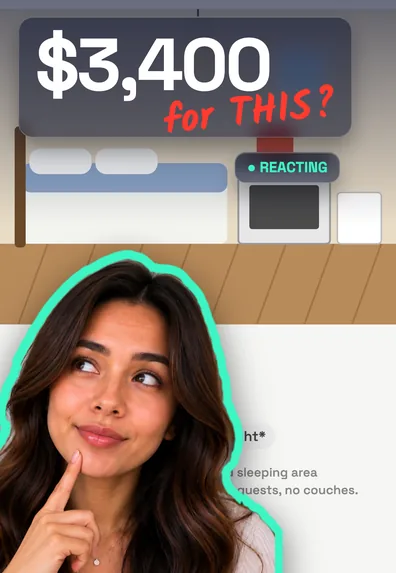 ReactionA price or claim on screen, then the test
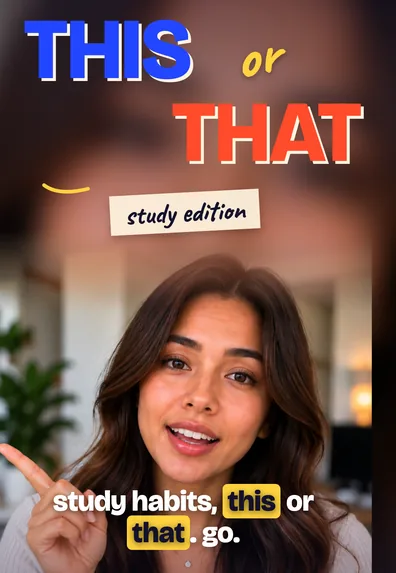 This or thatTwo options, a clear pick
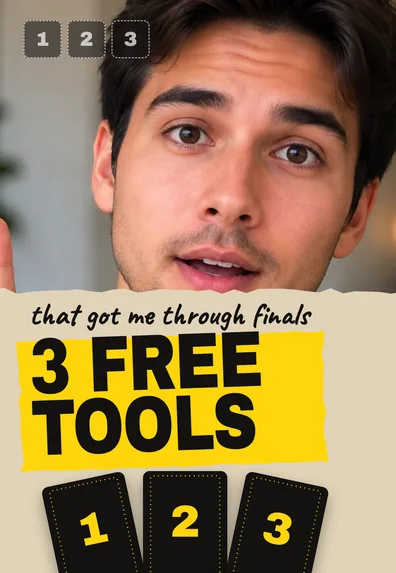 Top threeNumbered favorites
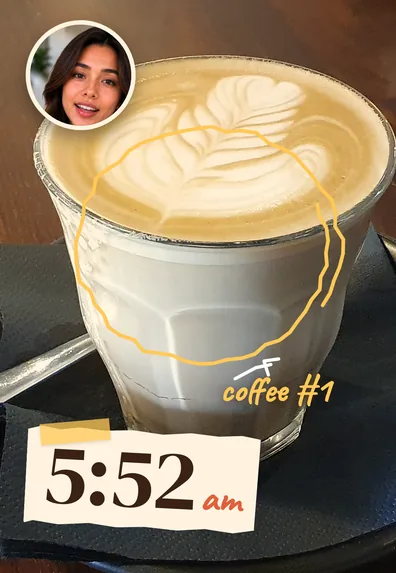 Day in my lifeThe product in a real routine
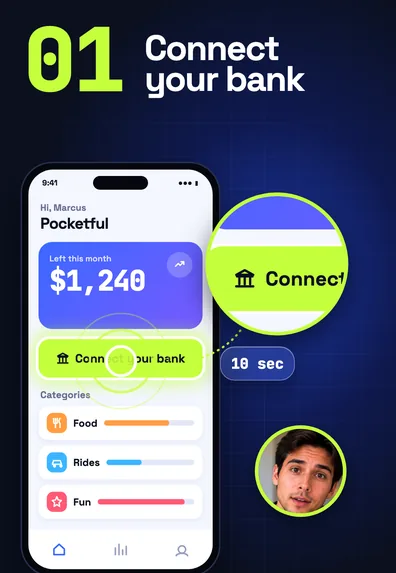 App walkthroughScreen large, face small
What makes a UGC video work
- The product appears early. Within the first few seconds, viewers should know what the video is about.
- It sounds like you. Talk the way you would to a friend. Reading a brand’s script word for word sounds stiff; use it as bullet points.
- Real setting, good light. A real kitchen or bathroom with daylight on your face beats a studio.
- Tight editing. Remove pauses and retakes so it moves. See how to remove “um”.
- Captions. Many people watch muted, especially ads.
- Honest claims and disclosure. If you were paid or got the product free, say so and use the platform’s branded content or paid partnership label. Only claim results you actually saw.
What brands usually ask for
Briefs vary, but common requests are a vertical 9:16 video, the product shown in the opening seconds, two or three alternative hooks for testing, captions, and sometimes a version without music so the brand can add its own. Read the brief’s usage terms (where and how long they can run your video) before you film.
Mistakes to avoid
- A long intro about yourself before the product appears.
- Holding the product too far from the camera to see.
- Over-polished editing that makes it look like a TV ad.
- Claims you can’t back up, especially about health or money.
Editing UGC videos with SparkRoll
SparkRoll is an AI video editor for talking videos, with templates made for UGC and TikTok Shop formats like the ones above. Add your clip and it cuts the pauses and retakes; when you drop in several takes, it keeps the best take of each line. Auto edit then gives you three complete edits with captions, a hook and effects to choose from.
Ask for what the brief needs: “add the price when I say it”, “bigger captions”, “a hook at the start”. Say a price and it counts up on screen. When the edit is right, export the vertical file the brand asked for. Two videos are free to try with AI; read more on the UGC video editor and TikTok Shop video editor pages.
Questions, answered
What is a UGC video?
A short video of a person using a product and talking about it in a natural, phone-filmed style, like a customer would. Brands use them as organic posts and ads.
What are some good UGC video examples?
Testimonials, unboxings, product demos, problem-solution videos, before and afters, comparisons, get ready with me, and top-three lists are the formats brands ask for most.
How long should a UGC video be?
Most run 15 to 60 seconds. Follow the brief if there is one; otherwise make it as short as the story allows.
What types of UGC videos do brands want for ads?
Usually a strong hook, the product on screen early, a clear demo or result, captions, and several hook versions so they can test which one performs best.
Do I need to disclose a paid UGC video?
If you were paid or got the product free and post it on your own account, disclose it clearly, for example with the platform’s paid partnership label.
Keep reading
Ready to edit by talking?
Upload a clip, say what you want, and get a finished edit. 2 videos free to try.
Get the app: App Store · Google Play