
Podcast clips that make sense on their own
A good podcast clip is one complete thought, a first line that works cold and captions you can read with the sound off. Here is how to find and cut them by hand, and how SparkRoll does it from the full episode.
2 videos free to try with AI · Works in your browser · Also on iPhone and Android


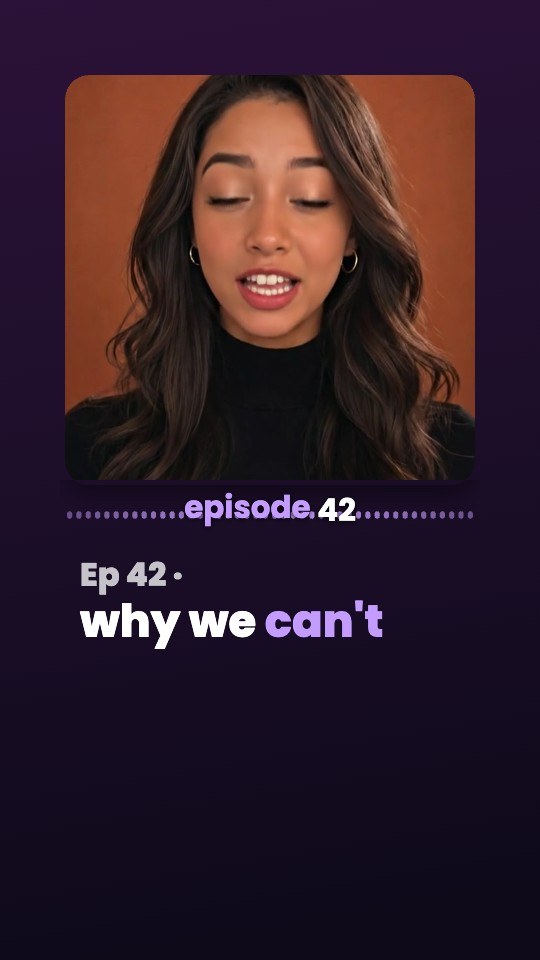
What makes a podcast clip work
Most podcast clips that flop share one problem: they start in the middle of a thought. The viewer hears “and that’s exactly why I quit” with no idea what “that” refers to, and scrolls on. The clips that travel on TikTok, Reels and Shorts tend to have the same handful of traits.
- One complete idea. A question and its answer, a story with an ending, or a strong opinion with the reason behind it. If someone needs the previous ten minutes to follow it, it is a highlight for fans, not a clip for strangers.
- A first line that works cold. “Most people save money in the wrong order” pulls in a stranger. “So, going back to what Sam said” does not.
- A short running time. 15 to 30 seconds suits one punchy line; 30 to 60 seconds leaves room for a small story with a payoff.
- A vertical frame on the person talking. A wide two-shot of a studio shrinks to a thin strip on a phone. Crop in on whoever is speaking.
- Captions on every word. Plenty of people scroll with the sound off, and a podcast with no words on screen is just two people moving their mouths.
- A clean ending. Stop on the punchline or the conclusion, not on the host’s next question.
How to clip part of a podcast by hand
If you edit your own show, this is the workflow that produces clips people finish watching:
- Start from the original recording. Clip the MP4 or MOV from your recorder or video call, not a screen capture of the published episode, so the picture and sound stay at full quality.
- Read before you watch. Skim a transcript and mark lines where a guest says something specific, surprising or quotable: a number, a strong opinion, a short story. A laugh or a “wait, really?” from the host is a good sign.
- Find where the thought begins and ends. Back up to the first sentence that sets up the idea and drop the warm-up (“yeah, so, um, I mean”). End right after the payoff.
- Tighten the inside. A pause that feels natural in an hour-long chat feels slow in a 40-second clip. Trim long gaps and false starts, but keep the speaker’s rhythm.
- Reframe to 9:16. Keep the face in the upper-middle of the frame, away from the buttons and caption text the apps draw on top.
- Add a hook and captions. Put the idea as a short title in the first second (“Rest is a skill”), with captions under it on every word.
- Name the guest. A small name card the first time they speak tells new viewers who is talking and why to listen.
- Export and upload natively. Post the file to each app rather than sharing a link to the episode.
Done by hand, finding and polishing one good clip from an hour-long episode takes real time, which is why many shows post far fewer clips than their episodes could support.
Podcast clips for social media: a posting plan
TikTok, Instagram Reels and YouTube Shorts all play vertical 9:16 video, so the same file usually works on all three. What changes is how you use them.
- Post several clips per episode. One episode often holds five to ten moments that stand on their own. Spreading them over the week keeps the episode in front of people long after release day.
- Title each clip by its idea. “Why we stopped hiring friends” tells a scroller what they get. “Episode 42, part 3” doesn’t.
- Use Shorts to point back to the show. Viewers who like a Short can find your full episodes on the same YouTube channel, so clips that tease a longer conversation fit well there.
- Keep one look per show. The same caption style, colors and name cards make your clips recognizable in a feed before anyone reads a word.
How SparkRoll does it
SparkRoll is an AI video editor for talking videos, and its podcast clips maker is called Long video → clips. You add the full recording; it does the finding and the cutting.
- Add the episode. On the web it takes an MP4 or MOV from 3 minutes up to an hour. Wide shots are fine. It works best with one or two people talking, clear sound and faces in view most of the time.
- Choose a length and a look. Short (15–30 s) or Medium (30–60 s), and a clip look such as Clip Card or Audiogram. You can also name a topic to focus on, for example “the hiring story”.
- It listens to every word and picks moments that stand alone: a strong start, a whole thought, a clear ending. When an episode has only a few good moments, it returns fewer clips with a note rather than padding the list.
- Each clip comes back edited: pauses cut, captions on, a hook on top, turned vertical, with its title, its length and where it came from in the episode.
- You stay in charge. Keep or remove each clip, open any of them in the editor to change it by chat or by hand, and export one or all. “Find 5 more” looks for further moments in the same episode.
One run makes up to 10 clips. It is priced in coins per minute of the episode, shown before you start, and charged once, when your clips are ready. Trims by hand afterwards are free.
Podcast looks for clips you cut yourself
Already have a clip? Pick one of the podcast templates and say what to change, like “put her name on screen when she first speaks”.
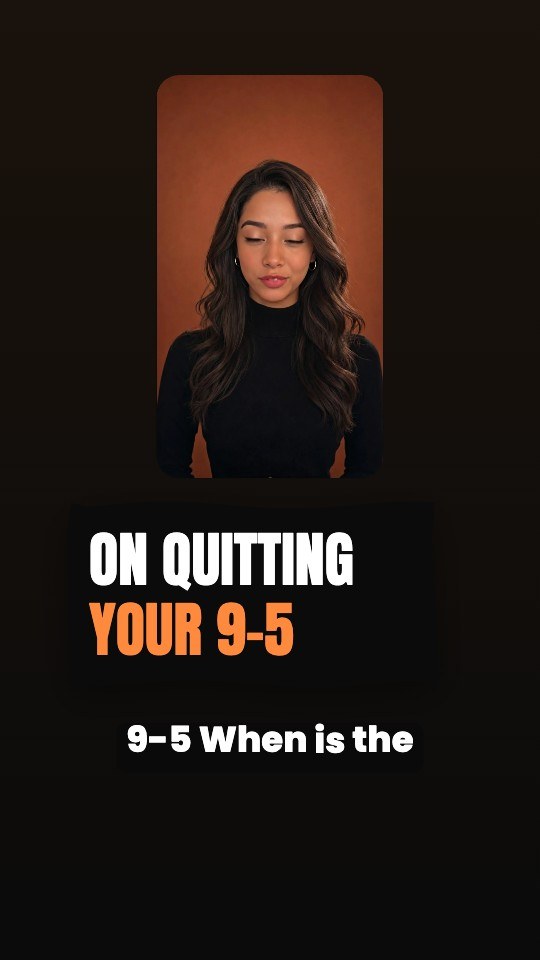 Topic CardA black brush card names each topic or question before the answer
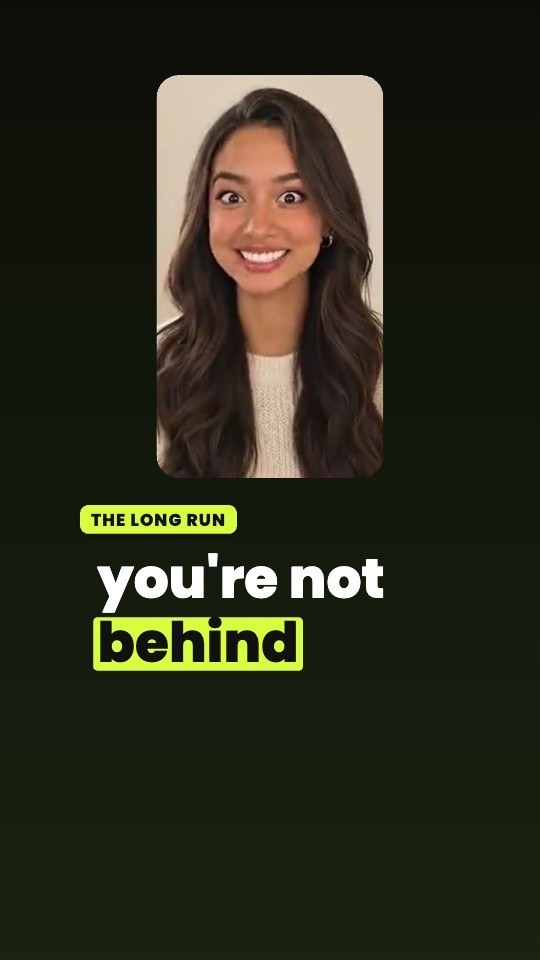 Solo FillA wide recording reframed to your face, karaoke captions, a progress bar
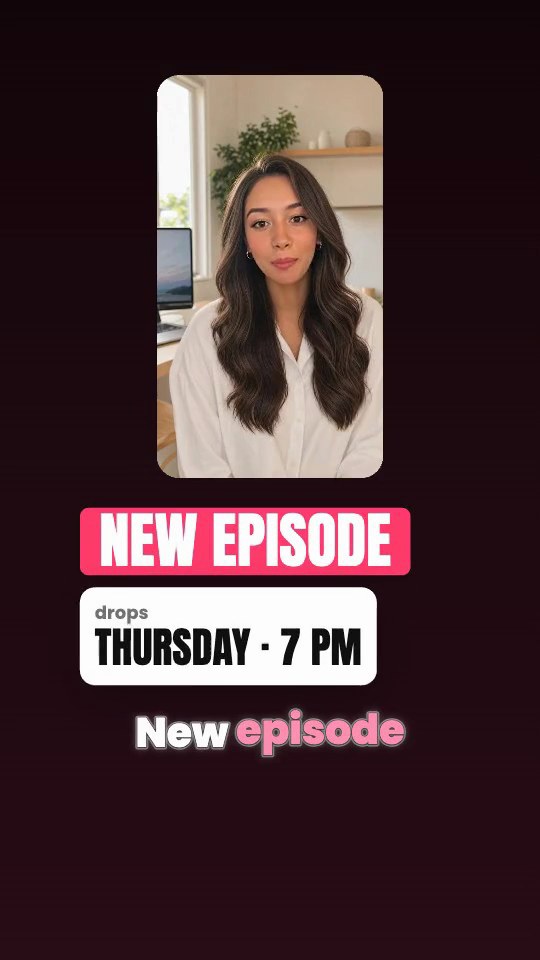 Episode TrailerNEW EPISODE, the drop day and time, your teaser topics as chips
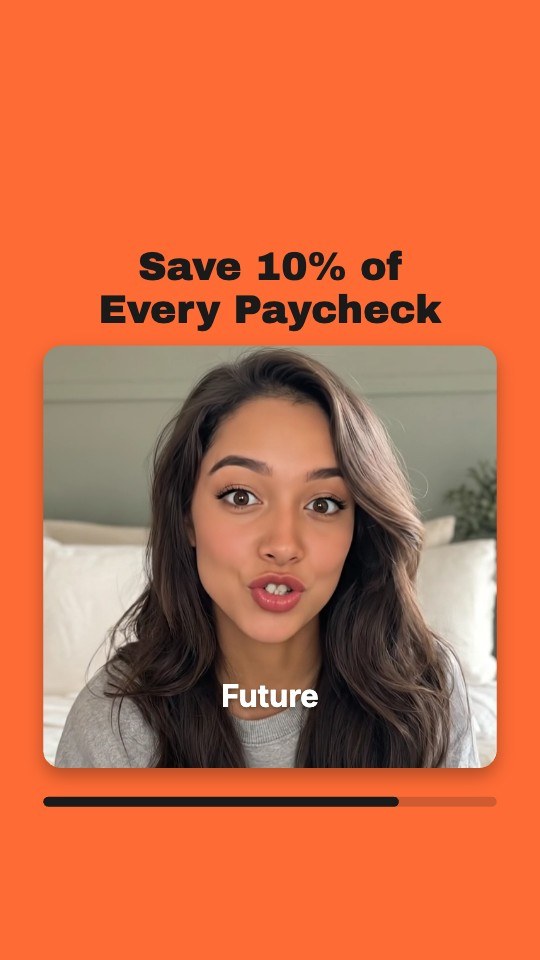 Clip CardYour clip in a rounded card, a bold title above, a progress bar under
Mistakes to avoid
- Cutting the punchline without its setup. A laugh lands only if the viewer heard the line before it.
- Opening with the show intro. “Welcome back to the show” is the least interesting sentence in any episode. Start on the idea.
- Captions over faces or under app buttons. Keep them in the clear middle band of the frame. SparkRoll places captions off your face automatically.
- Clipping only the guest. A sharp question from the host can be the best hook in the clip.
- Posting one clip and stopping. The first clip from an episode is rarely the one that takes off.
Pricing
Try it before you pay: 2 videos free to try with AI, with the clean edit and up to 30 AI chat messages each. Your first export in the iPhone or Android app is free and carries a small SparkRoll mark. After that, exporting needs a plan. Coins pay for AI messages and bigger AI jobs; editing by hand and previewing are free.
2 videos to try with AI, up to 30 AI messages each.
250 coins a week. Export your videos. Cancel any week.
1,000 coins a month. Export. Top up with coin packs.
3,000 coins a month, the stronger AI, +20% on coin packs.
Web prices in US dollars, + tax where applicable. Coin packs for plan holders: 300 coins $3.99 · 1,000 coins $9.99.
Questions, answered
How do I clip part of a podcast?
Find one complete thought, cut from its first real sentence to its payoff, trim the long pauses, reframe it to vertical 9:16 and add captions and a short hook. In SparkRoll you can add the full episode to Long video → clips and it finds and edits the moments for you.
What is the best length for podcast clips?
Most clips for social media run 15 to 60 seconds. Use the short end for a single strong line and the long end for a story that needs a setup and a payoff.
Can AI make podcast clips for me?
Yes. SparkRoll listens to every word of the episode, picks moments that make sense on their own and edits each one with captions and a hook. You review them, keep the ones you like and can change any clip by chat or by hand.
Is there a free podcast clips maker?
You can try SparkRoll free on 2 videos with AI, and your first export in the iPhone or Android app is free with a small SparkRoll mark. Long video → clips is paid with coins per minute of the episode, which come with a plan; the price shows before you start.
Does it work with two people on camera?
Yes. It works best with one or two people talking, clear sound and faces in view most of the time. Wide recordings are fine because clips are turned vertical.
Can I make clips from a YouTube link?
SparkRoll works from your own recording file, MP4 or MOV, so clip episodes you own or have permission to use.
Related pages
- Long video to ShortsTurn any long talking video into clips
- Opus Clip alternativeHow the two clip makers compare
- Auto captionsCaptions on every word, automatically
- Video hook generatorA bold first line for every clip
- YouTube Shorts editorCaptions and cuts for Shorts
- Talking head video editorFor face-to-camera videos
Turn your next episode into clips
Add the full recording, pick a length and a look, and review the clips that make sense on their own.