
Long video to Shorts, without the chopped feel
Resizing a 16:9 video to 9:16 is the easy part. A Short also needs a real beginning, a real ending, captions and pace. This page covers how to go from one long video to Shorts that hold up, by hand or with SparkRoll.
2 videos free to try with AI · Works in your browser · Also on iPhone and Android
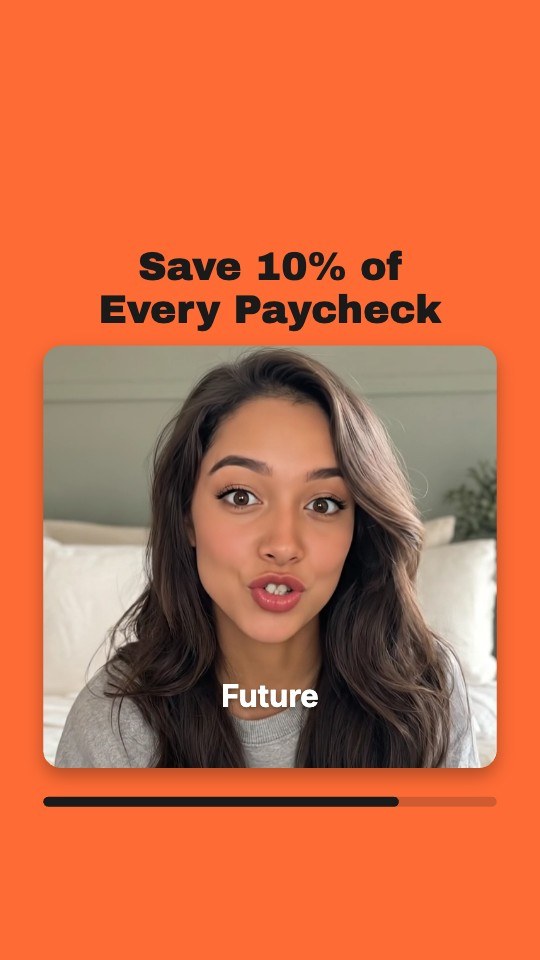

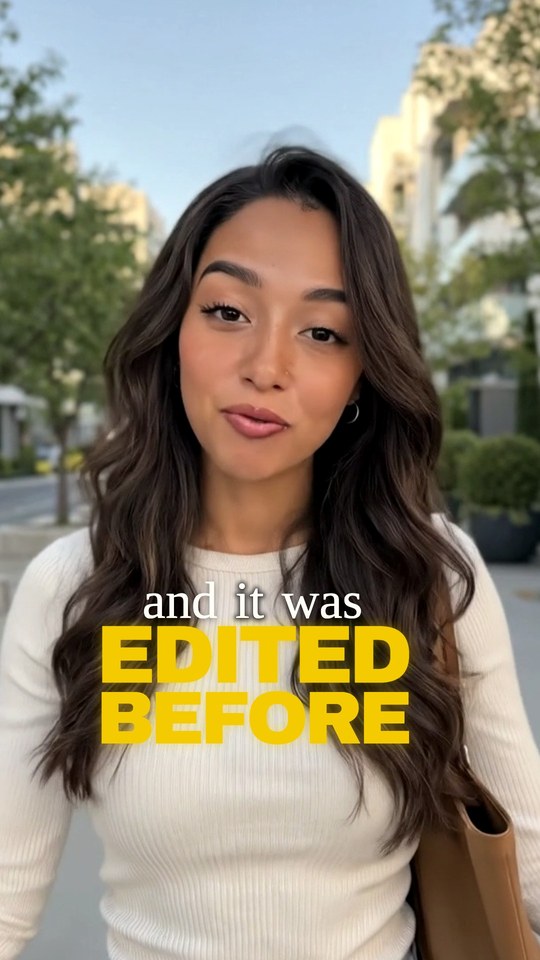
A converter changes the shape. A Short needs a story.
Search for “long video to Shorts” and you will find plenty of converters. They crop a horizontal video to vertical, and some split it into equal chunks. That gives you vertical files, but not Shorts people watch to the end. A 45-second chunk cut at a fixed time almost always starts mid-sentence and ends mid-thought.
| Just converted | Edited as a Short | |
|---|---|---|
| Where it starts | Wherever the timer says | On the first line of a complete idea |
| Where it ends | Mid-sentence, often | Right after the payoff |
| Framing | A center crop that can cut people out | Cropped to the person talking |
| Pace | Every pause from the original | Long pauses and false starts trimmed |
| On screen | Nothing | A hook up top and captions on every word |
Turning a long video into Shorts by hand
- Decide what each Short is for. Answer one question, share one tip, tell one story, or tease the full video. A Short that tries to do two of these usually does neither.
- Mark candidates while you watch. Note timestamps where the energy goes up: a list (“three things I wish I’d known”), a number, a mistake, a strong opinion, a before-and-after.
- Cut each moment so it stands alone. If the spoken first line leans on earlier context (“and that’s the second reason”), start later, or put a short on-screen title that sets it up.
- Crop to the speaker. For one person, keep the face in the upper-middle of the frame. For two people, follow whoever is talking or show both stacked.
- Tighten the pace. Remove long gaps, restarts and filler. Leave enough breath that the speaker still sounds like themselves.
- Add captions and a hook. Captions on every word, kept off the face; a bold first line that tells the viewer why to stay.
- Give it an ending. Finish on the conclusion. If the Short teases the full video, say so in the caption or the last line.
- Export vertical. 9:16 at 1080 × 1920 works for YouTube Shorts, Instagram Reels and TikTok.
Which long videos make good Shorts
The best source material is video where someone talks and says something worth hearing out of context.
- Podcasts and interviews. Questions and answers split naturally into self-contained moments. See podcast clips for show-specific tips.
- Webinars, talks and lessons. Each tip, definition or example can become its own Short.
- Livestream replays. Long and loose, but they often hold a few sharp reactions or answers to viewer questions.
- Long YouTube videos. A listicle video holds one Short per item; a story video holds its best twist.
- Vlogs with talking. The moments where you explain what is happening travel better than the scenery shots.
Videos with little or no talking, such as music videos, gameplay without commentary or silent B-roll, are harder to clip by meaning, because there are no words to tell where an idea starts and ends.
How SparkRoll turns a long video into Shorts
SparkRoll’s Long video → clips mode reads the whole video before it cuts anything. It is built around one rule: every clip must make sense to someone who never saw the rest.
- Add the long video. On the web: an MP4 or MOV between 3 minutes and an hour, horizontal or vertical. If you drop a video over 10 minutes into the normal editor, SparkRoll offers to make clips from it instead.
- Set the options. Short (15–30 s) or Medium (30–60 s), a look for the clips, and an optional focus such as “money” or “the hiring story”. The price in coins shows here, before anything runs.
- It works through the video in four steps you can watch: uploading, listening, finding the best moments, editing clips. Keep the browser tab open while it works.
- Review the clips. Each one shows its hook, title, length, where it came from and why it was picked. Play it, keep or remove it, or open it in the editor.
- Polish and export. In the editor you can say “make the hook shorter” or “zoom in when I say the number”, or edit by hand. Export one clip or all of them as vertical 9:16 video.
A run makes up to 10 clips, and “Find 5 more” searches the same video again. You’re charged once, when the clips are ready, and trims by hand later are free.
The clip looks you can pick
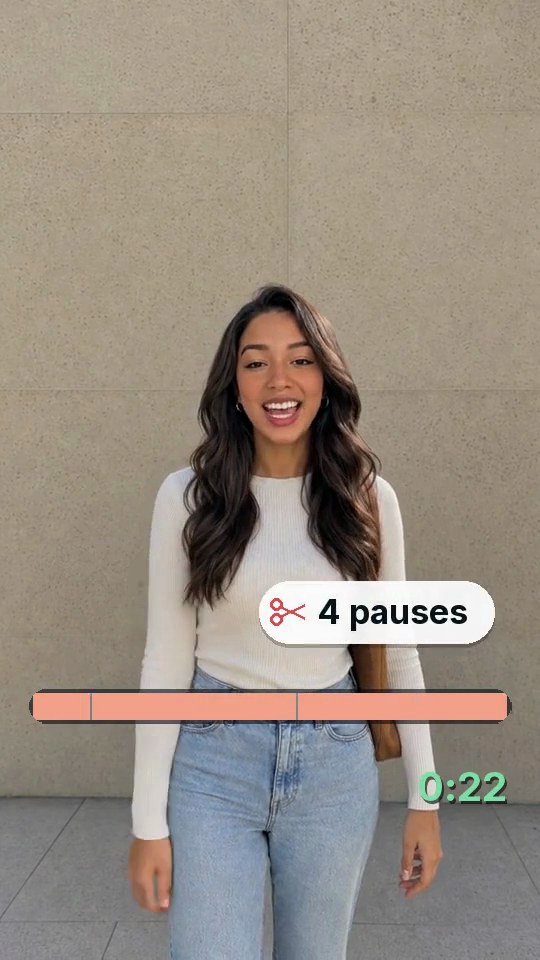 Clean upJust the cuts: pauses and mistakes removed, nothing added
- Fly-InBig stacked words around you
- Clip CardYour clip in a rounded card, a bold title above
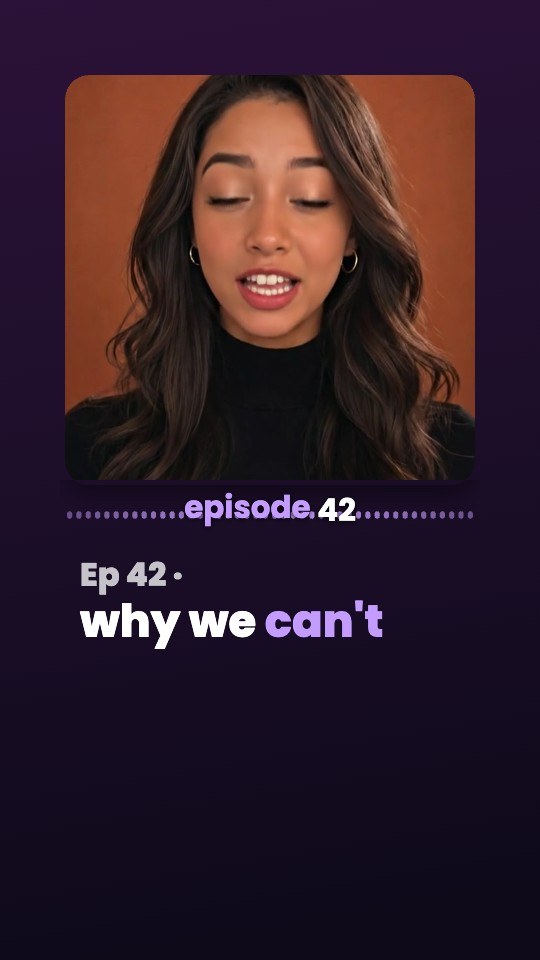 AudiogramYour video in a square, a live waveform, the title, captions
- JourneyGold headlines, words as you say them
Tips for better clips from any tool
- Record clean sound. Every clip finder depends on hearing the words. A cheap clip-on mic beats a camera’s built-in one.
- Keep faces in view. Vertical crops need a face to follow; a speaker who walks out of frame is hard to reframe.
- Say your points out loud. “The first mistake is…” gives an editor, human or AI, a clear place to start a clip.
- Steer with a topic. If you only want clips about one subject, say so up front rather than sorting through everything.
- Don’t publish every clip. Pick the strongest few. Fewer good Shorts beat many weak ones.
Pricing
Try it before you pay: 2 videos free to try with AI, with the clean edit and up to 30 AI chat messages each. Your first export in the iPhone or Android app is free and carries a small SparkRoll mark. After that, exporting needs a plan. Coins pay for AI messages and bigger AI jobs; editing by hand and previewing are free.
2 videos to try with AI, up to 30 AI messages each.
250 coins a week. Export your videos. Cancel any week.
1,000 coins a month. Export. Top up with coin packs.
3,000 coins a month, the stronger AI, +20% on coin packs.
Web prices in US dollars, + tax where applicable. Coin packs for plan holders: 300 coins $3.99 · 1,000 coins $9.99.
Questions, answered
Is there a free long video to Shorts converter?
Simple converters that only crop or split exist, but they don’t find complete moments. SparkRoll gives you 2 videos free to try with AI and a free first export in the iPhone or Android app, with a small SparkRoll mark; Long video → clips is paid with coins per minute of video, shown before you start.
How many Shorts can I get from one video?
One run makes up to 10 clips. “Find 5 more” looks for more in the same video. If a video has fewer strong moments, SparkRoll returns fewer clips with a note instead of weak ones.
How long can the original video be?
On the web, Long video → clips takes MP4 or MOV files from 3 minutes up to an hour.
Can AI turn a long video into Shorts?
Yes. SparkRoll listens to every word, picks moments with a strong start, a whole thought and a clear ending, and edits each one with captions, a hook and a vertical crop. You review and keep the ones you want.
Does it post the Shorts for me?
No. You export the clips and post them yourself to YouTube Shorts, Instagram Reels or TikTok.
One long video, many Shorts
Add the full video, pick a length and a look, and keep the clips that stand on their own.