
A product video maker for demos you film yourself
The product videos that sell on TikTok, Reels and Shorts are rarely glossy. They are a person holding the product, saying something specific about it. Here are the formats that work, how to shoot and edit them, and how SparkRoll puts the price and features on screen as you talk.
2 videos free to try with AI · Works in your browser · Also on iPhone and Android
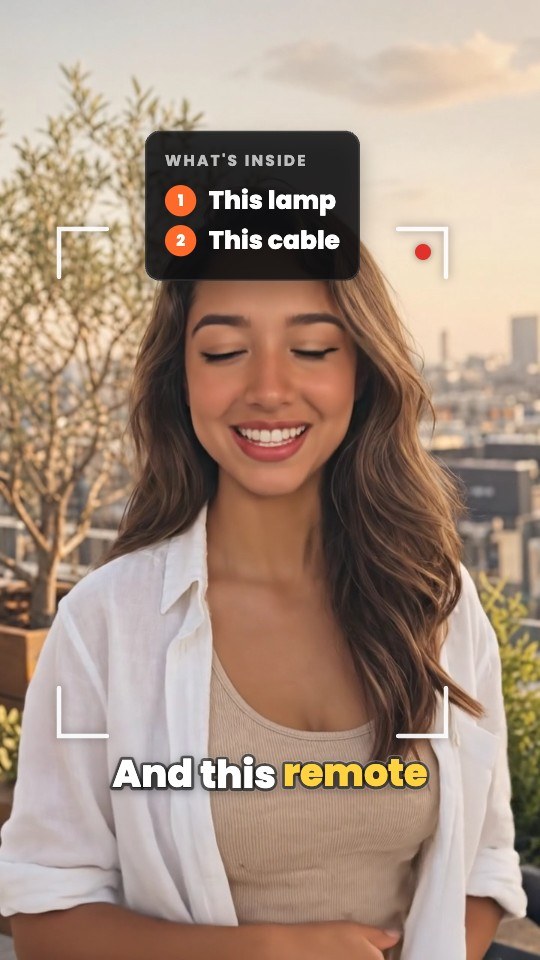
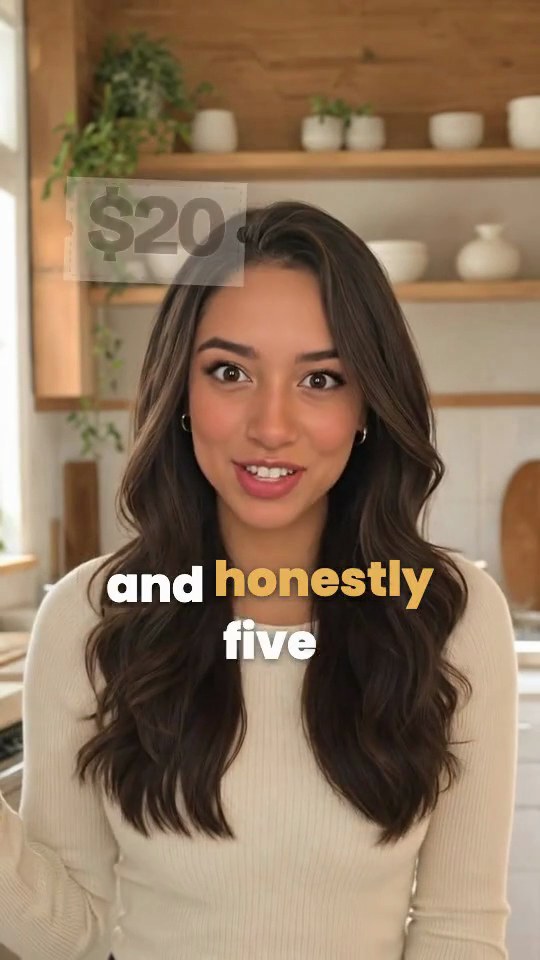
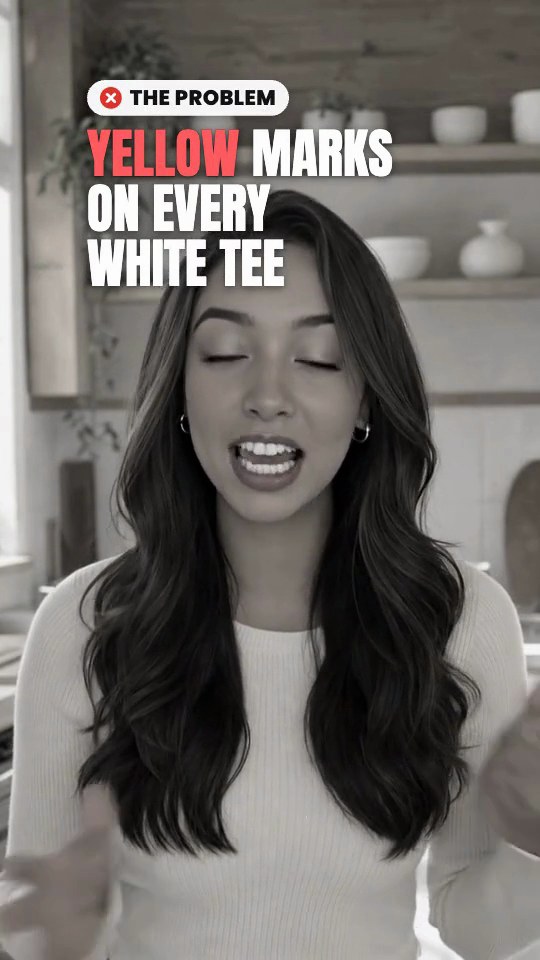
Product video examples that sell
You don’t need a new idea for every post. These formats get reused because they work; the example first lines show how each one opens.
| Format | How it opens | Why it works |
|---|---|---|
| Problem → fix | “My white tees kept getting yellow marks…” | The viewer recognizes the problem before the product appears |
| Unboxing | “It finally came. Let’s see what’s inside.” | The reveal is built-in suspense |
| 3 reasons | “Three reasons this lamp stays on my desk.” | A number promises a clear end |
| Honest review | “I used it for a month. Here’s my score.” | A verdict, pros and cons build trust |
| Dupe vs splurge | “Same result, a third of the price?” | Price comparisons get comments |
| Finds under $20 | “Five things under twenty dollars I actually use.” | A budget frame makes buying easy |
| Before and after | “Day one versus today.” | Proof beats description |
Product video shoot: filming on a phone
- Face a window. Soft daylight from the front is the cheapest good light there is. Avoid a bright window behind you.
- Clear the background. One or two objects that fit the product are enough. Clutter pulls the eye away.
- Hold the product at chest height, close to the lens when you show a detail, and keep it still for a beat so the camera can focus.
- Say the product’s name early. Viewers who join late still need to know what it is.
- Record the sound close. A quiet room and a small mic make you sound more trustworthy than any filter.
- Film close-ups after the talking take: the texture, the button, the result. They become cutaways in the edit.
- Do several takes. Keep the camera rolling and repeat a line until it feels right.
Editing a product video, step by step
- Keep the best take of each line and cut the pauses between them.
- Open on the hook, not a greeting. Put it on screen as a bold first line too.
- Show the price, feature or code as you say it. On-screen callouts that match your words are easier to follow than a list at the end.
- Cut to close-ups during longer explanations.
- Add captions clear of your face and the product.
- Finish with one ask: the link, the shop tab, the code.
- Export vertical 9:16 for TikTok, Reels and Shorts.
The most common mistakes are easy to spot once you look for them: a slow greeting before the hook, the product shown only at the end, captions sitting on top of the product, and a call to action that asks for three things at once. Fix those four and most product videos improve before you touch a single effect.
How SparkRoll edits product videos
SparkRoll is an AI video editor for talking videos. Add your take, pick a template or describe what you want, and it cuts the pauses, “um”s and retakes, adds captions and a hook, and builds the product graphics from your words.
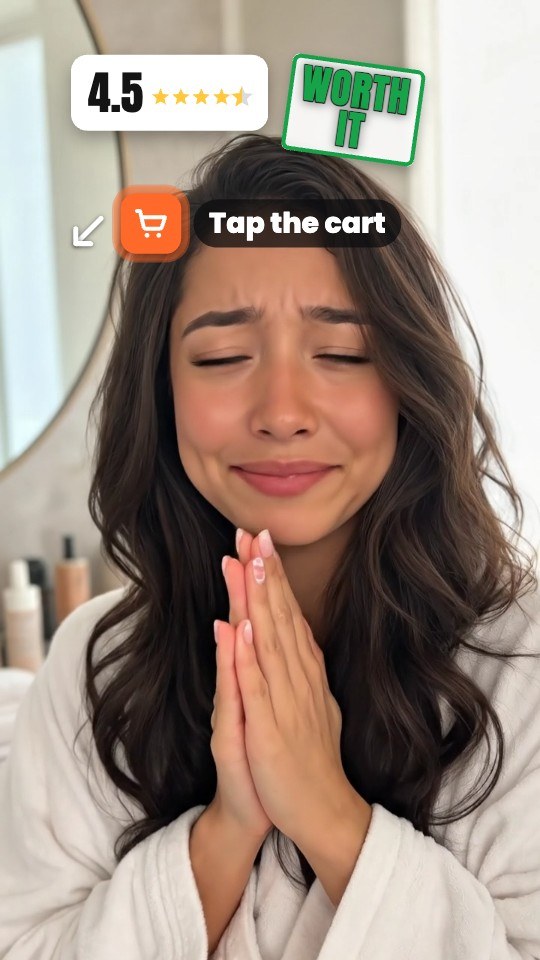 Star VerdictA score card fills its stars as you talk, pros and cons as chips
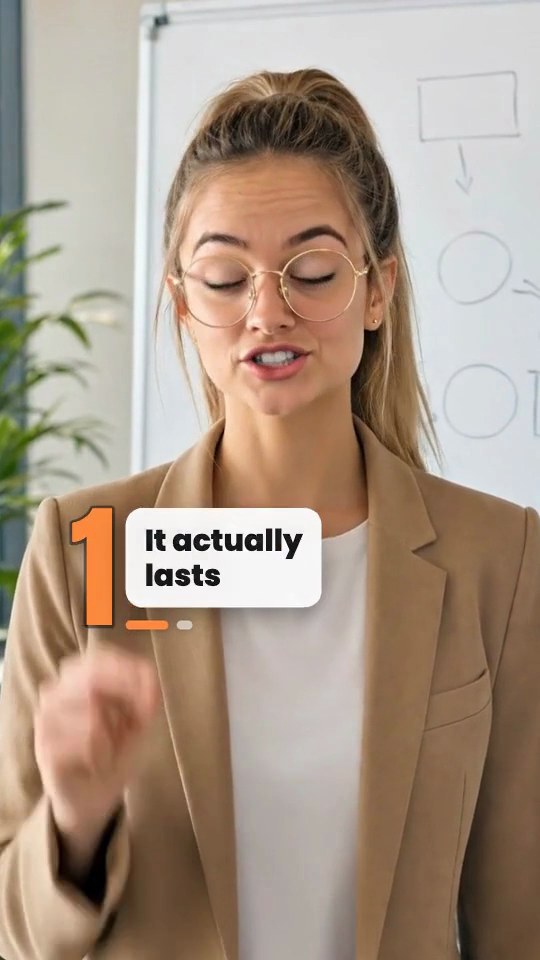 3 ReasonsA huge number slams in for each reason with its label
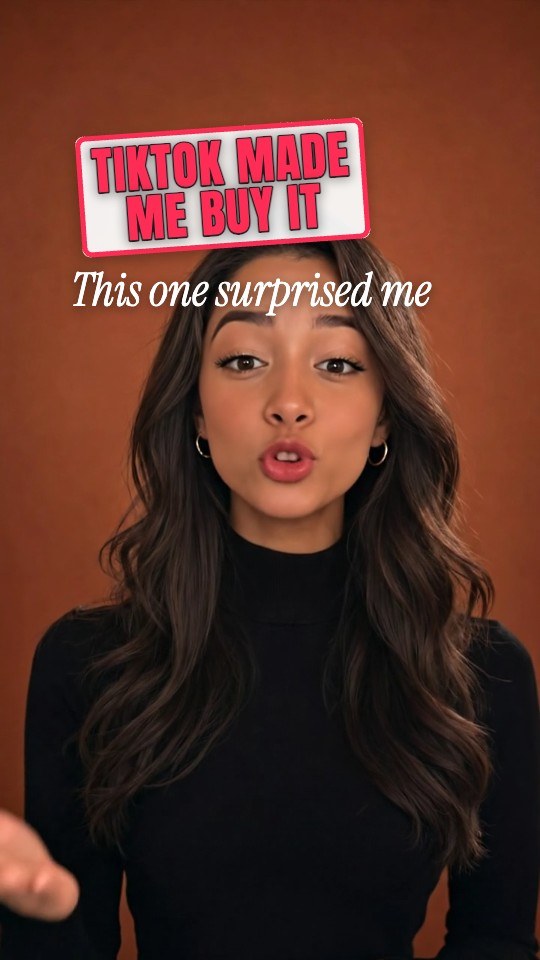 Made Me Buy ItThree reasons tick in as you say them, the price on a tag
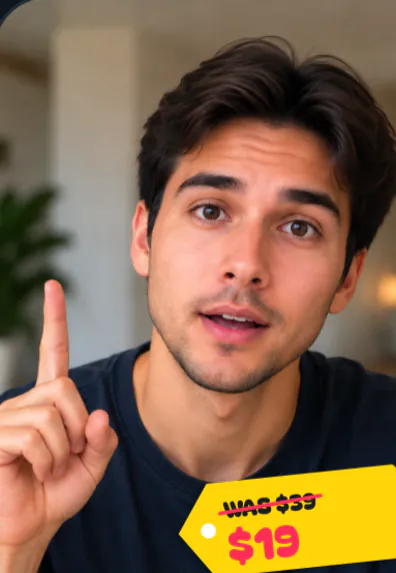 Price Drop StickerA price tag slaps on, the old price struck through
- Graphics that follow speech. Say a price and it counts up on screen; say a percentage and a ring chart draws it.
- 300 effects, including 3D cards, zooms and transitions, from a picker or by asking.
- B-roll from your own photos, cut in when you mention them.
- Chat edits: “zoom in when I hold it up”, “show the old price crossed out”, “make the captions smaller”. Every tool also works by hand.
- Music and sound effects from the built-in library, and voice clean-up when your audio sounds rough.
Your claims, your footage
SparkRoll edits what you film and say. It doesn’t invent product claims, generate product shots or make AI presenters. If a video is sponsored or you earn commission, disclose it the way your platform and local rules require, and only say what you can back up. That keeps the account, and the product video, trustworthy.
Pricing
Try it before you pay: 2 videos free to try with AI, with the clean edit and up to 30 AI chat messages each. Your first export in the iPhone or Android app is free and carries a small SparkRoll mark. After that, exporting needs a plan. Coins pay for AI messages and bigger AI jobs; editing by hand and previewing are free.
2 videos to try with AI, up to 30 AI messages each.
250 coins a week. Export your videos. Cancel any week.
1,000 coins a month. Export. Top up with coin packs.
3,000 coins a month, the stronger AI, +20% on coin packs.
Web prices in US dollars, + tax where applicable. Coin packs for plan holders: 300 coins $3.99 · 1,000 coins $9.99.
Questions, answered
What is a product video?
A short video that shows a product and why someone would want it: a demo, review, unboxing or comparison. On social media the best ones are usually a person holding the product and talking about it.
Can AI make product videos?
SparkRoll uses AI to edit the video you film: it cuts the mistakes, adds captions, a hook and price or feature callouts, and makes changes you ask for. It does not generate product footage or AI presenters.
How long should a product video be?
For TikTok, Reels and Shorts, most land between 15 and 60 seconds. Keep it as long as the format needs: a quick unboxing can be short; an honest review needs time for pros and cons.
Is there a free product video maker?
You can try SparkRoll on 2 videos free with AI. Your first export in the iPhone or Android app is free with a small SparkRoll mark, and after that exporting needs a plan.
What do I need to film product videos?
A phone, window light, a quiet room and the product. A small clip-on mic helps. Film several takes and some close-ups; the edit does the rest.
Film it once, sell it better
Add your product take, pick a template and say where the price should pop.