
40 talking head video ideas you can film today
A talking head video is just you, speaking to the camera. It is the fastest format to make, and the hardest part is knowing what to say. Here are 40 ideas, sorted by type, plus a simple shape to turn any of them into a 30-second video.
2 videos free to try with AI · Works in your browser · Also on iPhone and Android
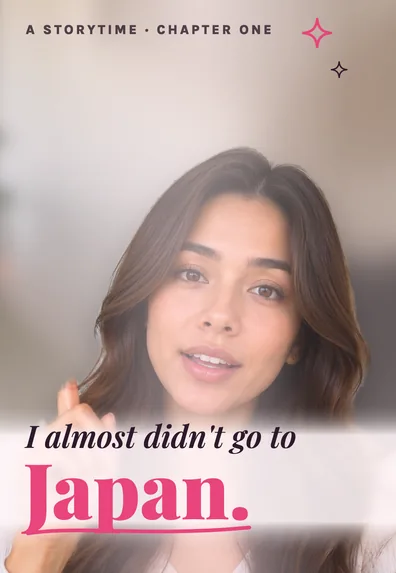
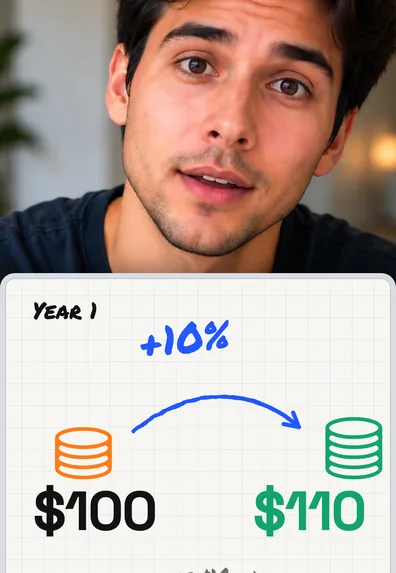
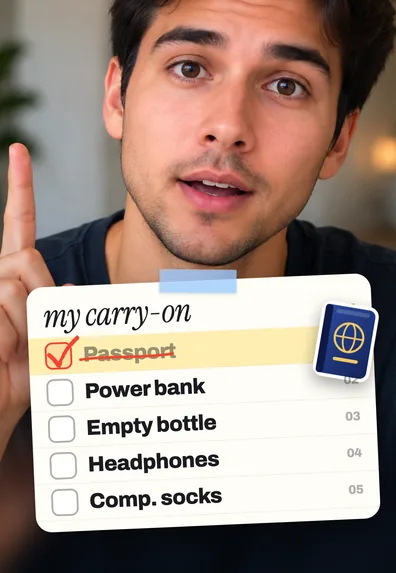
What counts as a talking head video
A talking head video is any video where a person speaks directly to the camera, usually framed from the chest up. Tips, opinions, stories, explanations and answers to questions all fit. It works because viewers connect with a face and a voice, and because it needs nothing but a phone and something worth saying.
The ideas below are written to be adapted. Replace the example topic with your field: a nurse, a baker, a realtor and a software developer can all use “the question I get asked most”.
40 talking head video ideas
Teach something
- The one tip you would give a beginner in your field.
- Explain a term people in your niche use but rarely define.
- Three steps to do a common task faster.
- A myth in your field and what is actually true.
- The tool you use every day and why.
Answer questions
- The question you get asked most, answered in under a minute.
- Reply to a real comment on one of your videos.
- “Is it worth it?” about a course, product or decision in your niche.
- What you would do with a small budget to get started.
- The question beginners are too embarrassed to ask.
Tell a story
- The moment you decided to start what you do now.
- Your biggest mistake and what it cost you.
- A customer or client story (with permission, or anonymous).
- The best advice you ever got, and who gave it.
- Something that went wrong this week and how you fixed it.
Share an opinion
- A popular piece of advice in your field you disagree with.
- What you think will change in your industry next year.
- Your honest take on a trend everyone is talking about.
- Something you stopped doing, and why.
- The overrated and the underrated, in your niche.
Lists and recaps
- Three things you wish you knew when you started.
- Five lessons from your first year.
- Your favorite books, podcasts or accounts on your topic.
- A checklist for something your audience does often.
- What you learned this month, in three points.
Behind the scenes
- What a normal workday actually looks like.
- How you price your work or plan your week.
- The setup you film with (phone, light, mic).
- Numbers you are willing to share: results, costs, time spent.
- Your process from start to finish on one project.
For businesses and services
- What happens on a first appointment or call with you.
- The mistake customers make before they come to you.
- Introduce one person on your team.
- Explain your most popular product or service in 30 seconds.
- Your answer to the most common objection: price, time or trust.
Community and series
- A weekly series with a fixed name, such as “Monday money tip”.
- Day 1 of a 30-day challenge, then the updates.
- Rate your followers’ setups, plans or ideas.
- Respond to another creator’s video with your view.
- Ask your audience a question and answer the best replies next week.
Turn any idea into a 30-second video
Most short talking videos follow the same four beats. Fill them in as bullet points, not a full script, and you will sound natural.
- Hook (1 sentence): the problem, the surprising claim or the result. Our TikTok hooks guide has 48 examples.
- Context (1–2 sentences): why it matters to the viewer.
- The point (2–4 sentences): the tip, the story or the answer, with one concrete example.
- Close (1 sentence): a takeaway or a question for the comments.
Example: “Most people water their plants on a schedule, and that’s why the leaves turn yellow. Roots need to dry between waterings. Push your finger in two knuckles deep; if it’s damp, wait. That one check saved every plant on my windowsill. What’s the plant you keep losing?”
Film a week of videos in one sitting
- Pick five ideas from the list and write four bullet points for each.
- Set up once: phone at eye level, light in front of you, quiet room.
- Change your top or the background between videos so they don’t look identical.
- Record each point in short takes. If you stumble, pause and say the line again.
Examples, edited
The same talking clip can look very different depending on the edit. These are SparkRoll templates applied to sample videos:
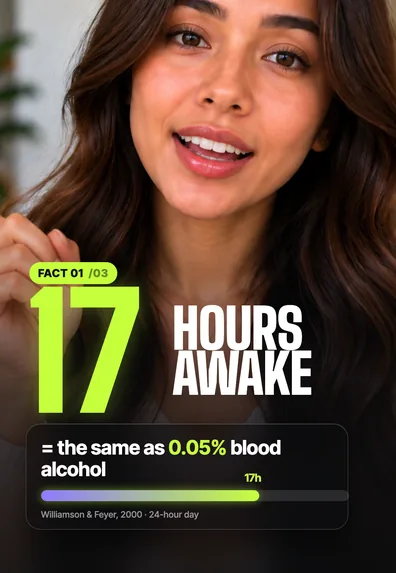 Key factsA number made big
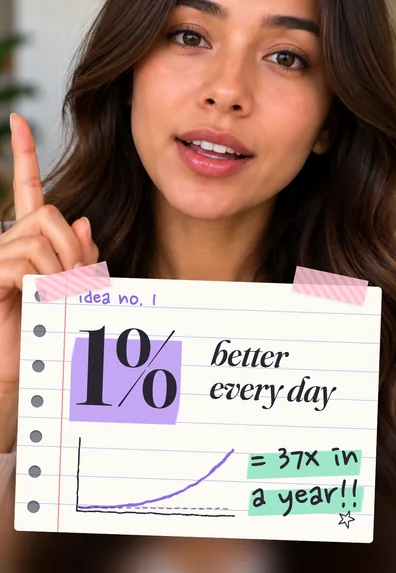 NotebookIdeas written as notes
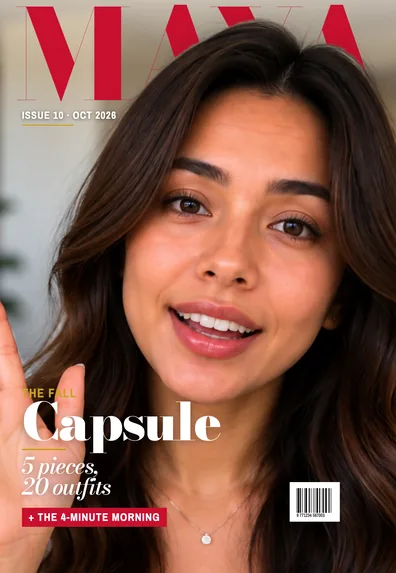 MagazineYou on a magazine cover
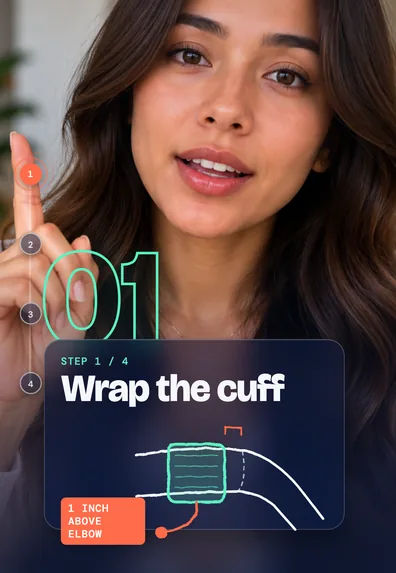 Step by stepNumbered steps on screen
Editing them fast with SparkRoll
SparkRoll is an AI video editor for talking videos. Add a clip and it cuts the pauses, “um”s and retakes, then Auto edit gives you three complete edits with captions, a hook and effects to pick from. Say what to change (“add a hook at the start”, “bigger captions”, “zoom in when I give the tip”) or change it by hand.
With 160 templates, five videos filmed in one sitting don’t have to look the same. Try it on 2 videos free with AI. For the editing steps in any app, see how to edit talking head videos.
Questions, answered
What is a talking head video?
A video where a person speaks directly to the camera, usually framed from the chest up, to teach, explain, tell a story or answer questions.
What should I talk about in a talking head video?
Start with the questions people already ask you, the mistakes you see beginners make, and stories from your own work. Those topics are easy to speak about without a script.
How long should a talking head video be?
For TikTok, Reels and Shorts, 20 to 60 seconds suits most ideas. Use the four beats: hook, context, point, close.
Can a business use talking head videos?
Yes. Explaining a service, answering objections and introducing the team are some of the most effective uses, and they need no special equipment.
How do I make talking head videos less boring?
Open with a hook, cut the pauses, and change something on screen every few seconds: a zoom, a caption highlight, a graphic or a cutaway.
Ready to edit by talking?
Upload a clip, say what you want, and get a finished edit. 2 videos free to try.
Get the app: App Store · Google Play