
A real estate video editor for agents who film themselves
You don’t need a videographer for every post. Weekly listing tours, open house invites and market updates can be filmed on a phone and edited without a production budget. Here is a plan for filming and editing them, and the SparkRoll templates made for agents.
2 videos free to try with AI · Works in your browser · Also on iPhone and Android
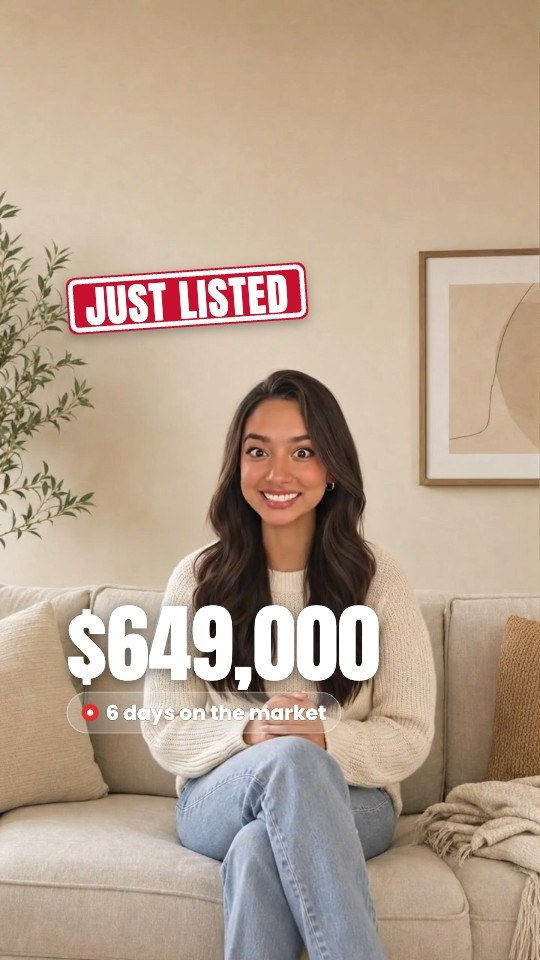

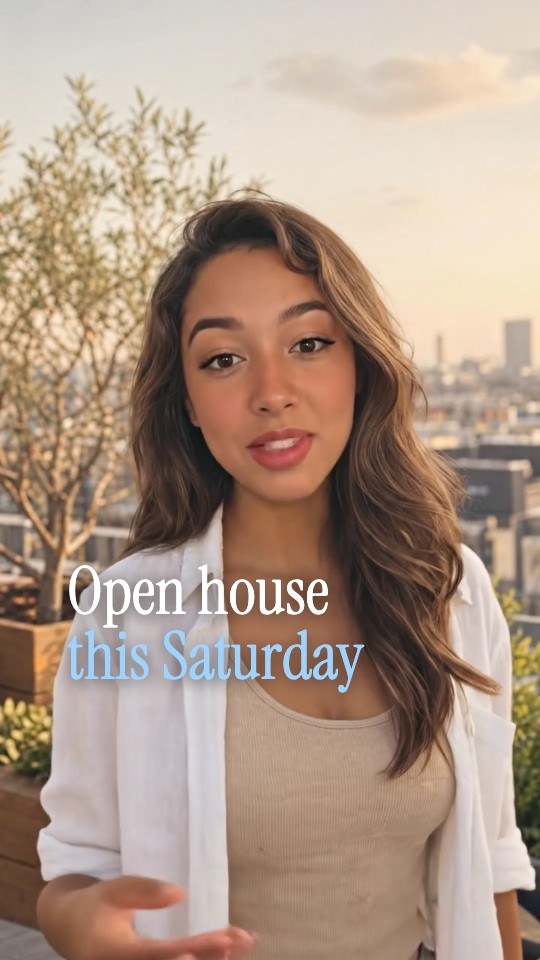
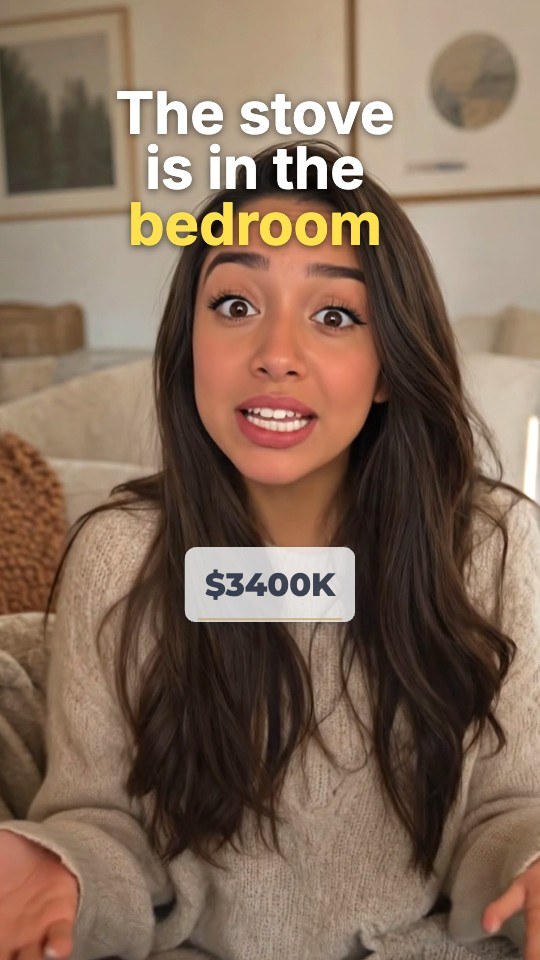
Real estate videos for social media that people finish
A real estate video on social media competes with everything else in the feed, not with other listings. The ones that get watched give the viewer something in the first second: a price, a striking room, or a question. A few types are worth having in your weekly rotation:
- Listing walk-through. You on camera, walking the home room by room, with the price and specs on screen early.
- Just listed and just sold. Short and punchy: the price, beds, baths, square footage and the area.
- Open house invite. The day, the hours, the address and one reason to come.
- Guess the price. Show the home, read out three options, reveal the real price. People comment their guess.
- Market update. One or two numbers from your area and what they mean for buyers or sellers this month.
- Neighborhood guide. Coffee, parks and schools nearby, with the walking minutes.
- Meet your agent. Who you are, where you work and why someone should call you.
How to film a listing tour on a phone
- Plan a route before you press record. Front door, the best room, kitchen, primary bedroom, outdoor space. End on the room people will remember.
- Turn on every light and open the blinds. Shoot in daylight when you can. Dark rooms look smaller on video.
- Film vertical, at chest height, moving slowly. Walk smoothly and turn your body rather than whipping the phone around.
- Say one detail per room. “Primary suite, fourteen by sixteen, with a walk-in closet.” Specific beats “gorgeous”.
- Record a short intro and outro facing the camera. The intro is your hook; the outro is the call to action.
- Grab a few still photos of the best features. They make good cutaways later.
How to edit a listing video
- Cut the stumbles and the walking gaps. Keep the motion between rooms short.
- Put the price and specs up in the first seconds. Beds, baths, square footage and price in one clean strip.
- Label each room as you enter it, so viewers know where they are with the sound off.
- Add captions under your face for the parts where you speak to camera.
- Keep music low under your voice, or leave it out for the talking parts.
- End with one call to action: DM for a showing, come to the open house, or call the office.
- Check your required info. Many brokerages and states require your brokerage name or license details on advertising. Ask your broker what applies to you.
One more check before posting: describe the property, not who should live there. Fair housing rules apply to video too, so “walkable to three parks” works where “perfect for young families” does not.
Real estate templates in SparkRoll
SparkRoll works as a real estate video editor for agents: an AI editor for talking videos, with templates built for listings. The graphics come from what you say: read out the price and it appears; mention the open house hours and they land on the ticket.
 Listing WalkA clean stat strip (beds · baths · sqft · price) opens your home tour
 Guess the PriceThe options you read out, a 3-2-1 ring, then the real price slams in
 Meet Your AgentYour name card with brokerage and license line, why-me points
 Neighbourhood GuidePins for coffee, park and school with the walking minutes you say
Also in the set: Market Update (each number you say big, with its change), What $X Gets You (your budget and city as a headline) and Places (numbered pins for the places you name). See them all in the template gallery.
Say the edit
- Cut the walking parts shorter
- Show the price when I say it
- Label each room
- Add my brokerage at the end
- Music under the tour, quiet
Every change also works by hand: tap any label or caption to move, resize or edit it.
Can you make a real estate video from photos?
SparkRoll is built around a video of you talking, and that is what performs best for agents: people hire people. You can add your own listing photos as B-roll that cut in when you mention a room or feature. SparkRoll does not turn a folder of photos into a video on its own, and it doesn’t create virtual tours or drone shots. For a luxury listing that needs a gimbal walk-through and aerials, a professional videographer is still the right call; for the weekly social posts around it, filming yourself keeps you visible.
Pricing
Try it before you pay: 2 videos free to try with AI, with the clean edit and up to 30 AI chat messages each. Your first export in the iPhone or Android app is free and carries a small SparkRoll mark. After that, exporting needs a plan. Coins pay for AI messages and bigger AI jobs; editing by hand and previewing are free.
2 videos to try with AI, up to 30 AI messages each.
250 coins a week. Export your videos. Cancel any week.
1,000 coins a month. Export. Top up with coin packs.
3,000 coins a month, the stronger AI, +20% on coin packs.
Web prices in US dollars, + tax where applicable. Coin packs for plan holders: 300 coins $3.99 · 1,000 coins $9.99.
Questions, answered
What is the best app for real estate videos?
It depends on the video. For talking videos agents film themselves, such as listing tours, open house invites and market updates, SparkRoll edits on iPhone, Android and the web, with real estate templates and captions.
Can AI edit real estate videos?
Yes. SparkRoll cuts the pauses and stumbles, adds captions, a hook and the listing graphics, and changes anything you ask for in plain words. It edits your footage; it doesn’t generate the home.
Can SparkRoll make a video from listing photos?
Not from photos alone. Film yourself talking about the home and add your photos as B-roll that cuts in when you mention each feature.
How long should a listing video be for Reels or TikTok?
Short enough to hold attention: most agents aim under a minute for social posts, with the price in the first seconds. Keep longer full tours for YouTube or your website.
Will it add my brokerage and license info?
The Meet Your Agent template has a name card with your brokerage and license line, and you can add text anywhere. What you must show is set by your state and brokerage, so check with your broker.
Post this week’s listing today
Film the tour on your phone, pick a real estate template and say what to change.